

Electronic signatures let most businesses replace printing, signing, scanning, and emailing with a faster PDF workflow, but the right method depends on the document, jurisdiction, required identity assurance, audit trail, and whether the agreement needs a simple, advanced, or qualified signature.
Adding a signature image to a PDF can be quick. Building a signing workflow that proves who agreed, what they agreed to, and whether the document changed afterward is the part that protects the business.
Printing a contract just to sign it and scan it back feels outdated now, especially when most business workflows already happen online.
Whether it’s a client agreement, onboarding document, NDA, or invoice approval, people expect to review and sign PDF files from wherever they are. Digital signing tools made that process much easier. Instead of dealing with printers, scanners, and messy email attachments, users can sign documents securely in minutes from a browser or mobile device.
For businesses, this means faster approvals and fewer delays. For individuals, it means less friction every time paperwork needs attention.
Digital signing is no longer limited to enterprise legal teams. It’s now part of everyday document workflows across businesses, freelancers, and remote teams.
The old workflow creates unnecessary steps.
A typical paper-based process usually looks like this:
Even for simple agreements, the process wastes time.
Printing and scanning also creates additional problems:
For remote teams especially, relying on physical paperwork slows everything down.
Digital signing tools remove most of those bottlenecks immediately.
Users can upload contracts, add signatures, and return documents within minutes. A good online PDF signature workflow also keeps files organized instead of scattered across inboxes and desktops.
Other major benefits include:
Modern signing platforms also make collaboration easier by allowing comments, edits, and approvals inside the same workflow.
People often use the terms “electronic signature” and “digital signature” interchangeably, but there are some differences worth understanding.
An electronic signature in PDF is usually any electronic method used to indicate agreement or approval.
That can include:
A digital signature usually includes additional security and authentication layers designed to verify the signer’s identity and protect the document from tampering afterward.
Most modern platforms support both forms depending on the workflow and security requirements.
Electronic signatures are legally recognized in many countries. Regulations such as the ESIGN Act in the United States and eIDAS in the European Union allow businesses and individuals to sign PDF files online legally for most agreements.
However, some industries and regions may still require additional verification or compliance procedures depending on the type of document involved.
For standard contracts, approvals, and internal documents, digital signing is now widely accepted.
The process is usually much simpler than people expect.
Some desktop PDF readers already include basic signing functionality.
For example:
These options work well for occasional signing tasks.
The typical process looks like this:
Desktop readers are often useful when documents need to remain offline for security or compliance reasons.
Browser-based tools are now the most common option because they work across devices without software installation.
Platforms like Lumin allow users to:
This makes online workflows especially useful for:
People searching for how to electronically sign a PDF are often surprised by how much faster browser-based signing feels compared to older paper workflows.
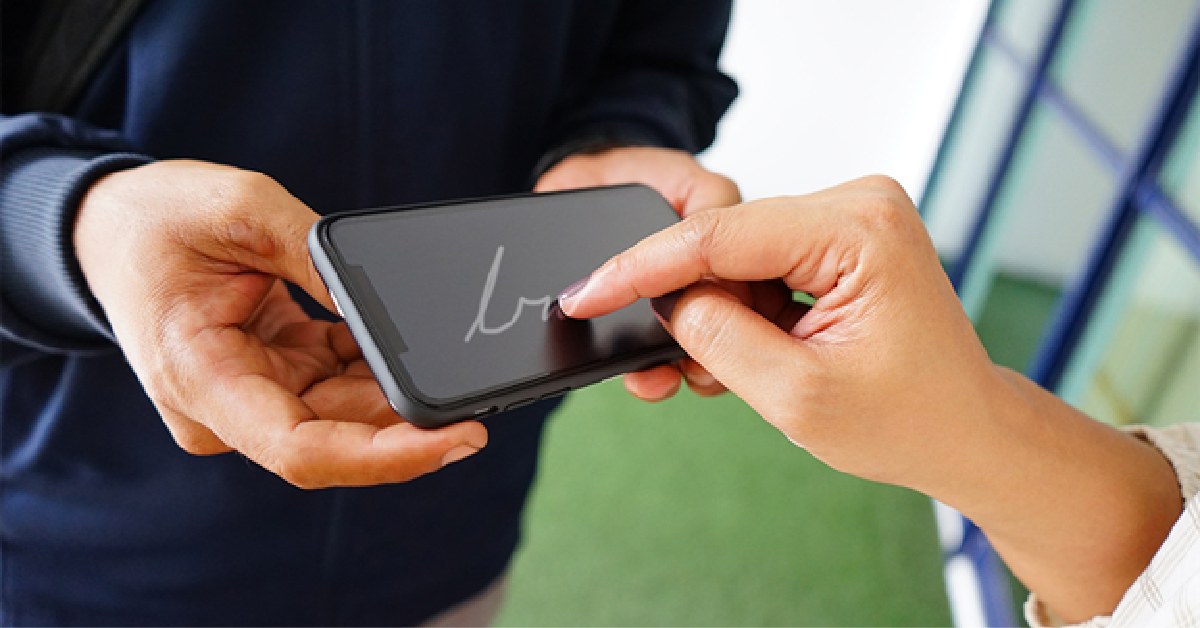
Mobile signing has become increasingly common as approvals move outside traditional office environments.
Most modern signing platforms support:
This allows users to review and sign contracts while traveling, commuting, or working remotely.
For quick approvals, mobile workflows are often the fastest option available.
Speed matters, but security is extremely important as well. A signed agreement should remain protected after approval.
A signature should never be treated casually, especially in business workflows.
Good practices include:
Some users also prefer platforms with audit logs and document tracking features for additional visibility.
Verification is important when handling contracts, financial documents, or regulated agreements.
Reliable systems often provide:
These features help confirm that documents have not been altered after signing.
Businesses researching how to digitally sign a PDF often focus only on adding the signature itself, but verification and tracking are equally important for long-term document management.
Printing and scanning contracts creates delays that no longer make sense in modern workflows. Digital signing tools allow businesses and individuals to approve agreements faster while keeping documents more organized and accessible.
Yes, you can sign a PDF without Adobe by using a browser-based signing tool, a built-in operating-system PDF tool, or another trusted document platform. Preview on macOS includes basic markup and signature tools, while online platforms can provide signing, collaboration, cloud storage, and multi-signer workflows. The right option depends on the document’s risk and whether you need features such as signer invitations, audit trails, identity checks, timestamping, and tamper evidence. For a simple one-person approval, a built-in reader may be sufficient. For contracts, use a workflow that retains appropriate records.
Online signatures can be legally valid, but validity depends on the jurisdiction, document type, signer intent, consent process, identity evidence, and any specific legal requirements for that transaction. In the European Union, electronic signatures cannot be denied legal effect solely because they are electronic, while qualified electronic signatures have the equivalent legal effect of handwritten signatures under eIDAS. Some agreements, regulated documents, notarized transactions, and local processes may require stronger verification or a different method. Seek legal advice for high-value or sensitive agreements. [141][144]
Most PDF signing tools let users save a signature for repeated use, but you should only apply it after reviewing the final version of each document and confirming that you have authority to sign. Reusing a signature image is convenient, but it does not replace a secure signing process or prove that the document was not changed afterward. For contracts and higher-risk approvals, use a platform that records signing activity, timestamps, document history, and any identity verification required by your business or jurisdiction. Treat saved signatures and signing accounts as sensitive credentials.
Signing documents online can be safe when you use a reputable platform, protect your account with a strong unique password and multi-factor authentication, verify the sender, review the final document, and retain the completed record securely. For sensitive documents, confirm that the platform provides appropriate access controls, encryption, audit records, data-retention practices, and document-integrity features. Avoid signing important agreements through unknown links or unsecured public networks. The level of security should match the value and sensitivity of the agreement, not simply the convenience of the workflow.
Yes, most modern signing platforms support PDF signing from iPhone, iPad, and Android devices through a browser or mobile app. Mobile signing is useful for routine approvals, travel, remote work, and time-sensitive workflows because users can review and return documents without a printer or computer. For material agreements, take extra care on a small screen: review all pages, exhibits, pricing, liability terms, renewal clauses, and attachments before signing. Mobile convenience should speed up the workflow, not reduce the quality of the legal or commercial review.




