

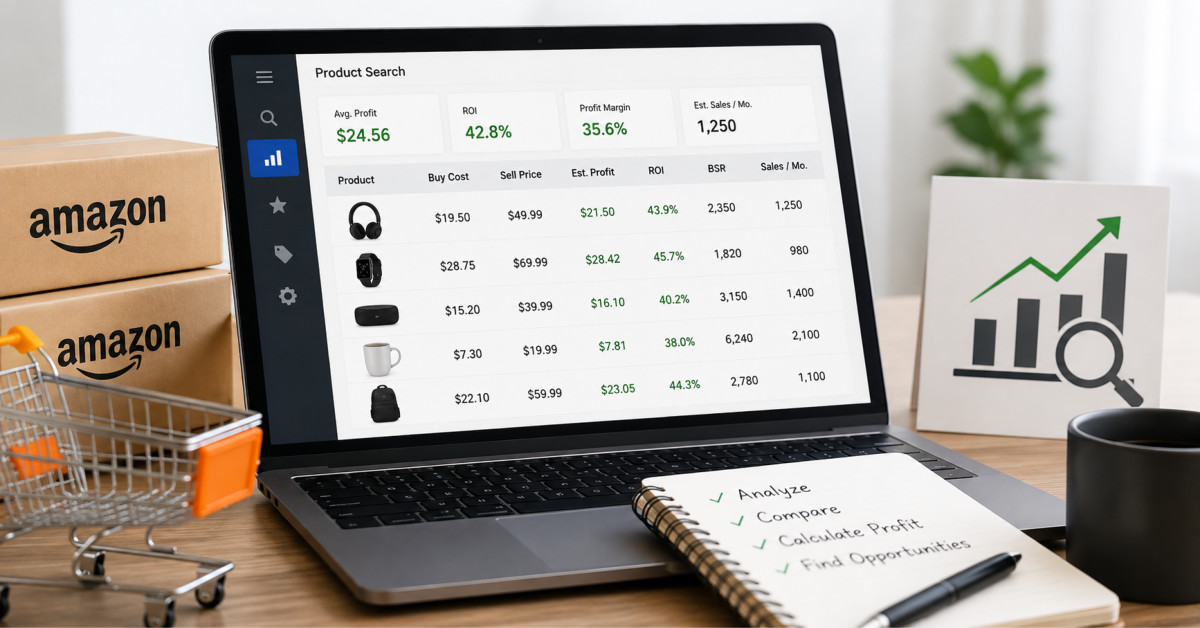
Amazon arbitrage software helps sellers screen more products faster, but it does not make a deal profitable on its own. Use it to identify candidates, then verify selling eligibility, landed cost, current fees, competition, price history, and expected sell-through before buying inventory.
The best sourcing tool does not tell you what to buy. It tells you where to investigate, then leaves you responsible for the demand, restrictions, costs, and risk behind the number.
Selling on Amazon through retail arbitrage sounds simple enough: buy low somewhere, sell higher on Amazon, pocket the difference.
Plenty of sellers still do it manually, scanning clearance aisles or browsing retail websites for deals.
That works when you’re doing five or ten products a week, but once you want to turn this into an actual business that generates consistent monthly income, the manual approach falls apart fast.
Tools like ProfitPath exist to automate the most time-consuming parts of product sourcing, from scanning retailers for price gaps to calculating fees and estimating profit margins in seconds.
The difference between a seller doing $2,000 a month and one doing $20,000 often comes down to how efficiently they source, and Amazon arbitrage software is the lever that makes scaling possible.
At its core, arbitrage software compares prices between retail storefronts and Amazon’s current selling price.
It pulls in referral fees, FBA fulfillment costs, estimated shipping to the warehouse, and your purchase price, then spits out a net profit figure and ROI percentage.
Some tools stop there.
Others go further with historical sales rank tracking, competition analysis, and buy box rotation data that tells you how many other FBA sellers are already on a listing.
The good ones also filter automatically.
You set your minimum profit threshold, your minimum ROI, and a maximum sales rank, and the software only surfaces products that hit all three criteria.
Without those filters, you’d spend hours wading through thousands of results that look promising on the surface but won’t actually move units.
Manual sourcing isn’t broken.
It’s just slow.
A seller scanning products one by one with the Amazon Seller app might find five to ten profitable items per hour of active work.
That’s fine as a side hustle, but it creates a direct problem: your income is capped by the number of hours you can physically spend scanning.
Online arbitrage partially solves this because you’re sourcing from your laptop instead of driving store to store.
But even online arbitrage without software is tedious.
You’re opening retailer tabs, copying ASINs, checking price history charts, and running fee calculations in a spreadsheet.
Every product takes three to five minutes to fully evaluate.
Amazon arbitrage software compresses that to seconds per product, and it can run across hundreds of SKUs simultaneously, surfacing only the ones worth buying.
Not all arbitrage tools are created equal.
Here’s what to actually look for when choosing one:
New sellers tend to fixate on total revenue.
Experienced arbitrage sellers watch different metrics entirely.
Net ROI after all fees tells you how efficiently your capital is working.
A 50% ROI on a $10 product generates $5 of profit, but if that same $10 sits in a warehouse for 90 days, long-term storage fees eat into that margin.
Inventory turnover rate is the number that separates profitable arbitrage operations from ones that look busy but bleed money.
The goal is to source products that sell within 30 to 45 days of arriving at the fulfillment center.
Your arbitrage software should help you identify fast-movers by showing BSR trends over 30, 60, and 90-day windows, not just a single snapshot.
Average profit per unit matters too.
Selling 500 units a month at $2 profit each generates $1,000.
Selling 200 units at $7 profit each generates $1,400 with less work, fewer shipments, and fewer customer service issues.
Amazon arbitrage software helps you shift toward higher-margin products by letting you set minimum profit thresholds that automatically filter out low-value deals.
The biggest trap is treating every deal the software surfaces as a guaranteed winner.
These tools are research assistants, not crystal balls.
A product might show $8 profit today, but if five new sellers jump on the listing tomorrow and trigger a price war, that margin disappears.
Always cross-reference with competition trends and consider how saturated a listing already is.
Another mistake is ignoring category restrictions.
Not every Amazon seller account can sell in every category.
Grocery, topicals, and certain brand-gated categories require ungating approval before you can list products.
Software will still show you profitable products in restricted categories, so it’s on you to know what you can actually sell.
If you’re just entering the Amazon arbitrage space, start with a manageable workflow.
Pick one or two online retailers you already know well.
Set up your software with conservative filters, maybe $5 minimum profit and 40% minimum ROI.
Run your first few scans and actually follow through on a handful of deals to understand the full cycle from purchase to Amazon shipment to sale.
Track everything in a spreadsheet for the first month or two, even if your software has built-in analytics.
Seeing your own data on what sold, what didn’t, and where your estimates were off builds the intuition that no tool can replace.
After you’ve proven the model works at a small scale, gradually loosen your filters, add more source retailers, and start building a replenishable product list.
Amazon arbitrage software is a force multiplier, not a magic button.
The sellers who get the most from these tools are the ones who understand the fundamentals first- product demand, fee structures, and competitive dynamics- then use software to execute faster and at greater scale.
That combination of knowledge and tooling is what turns arbitrage from a hobby into a real ecommerce business.




