

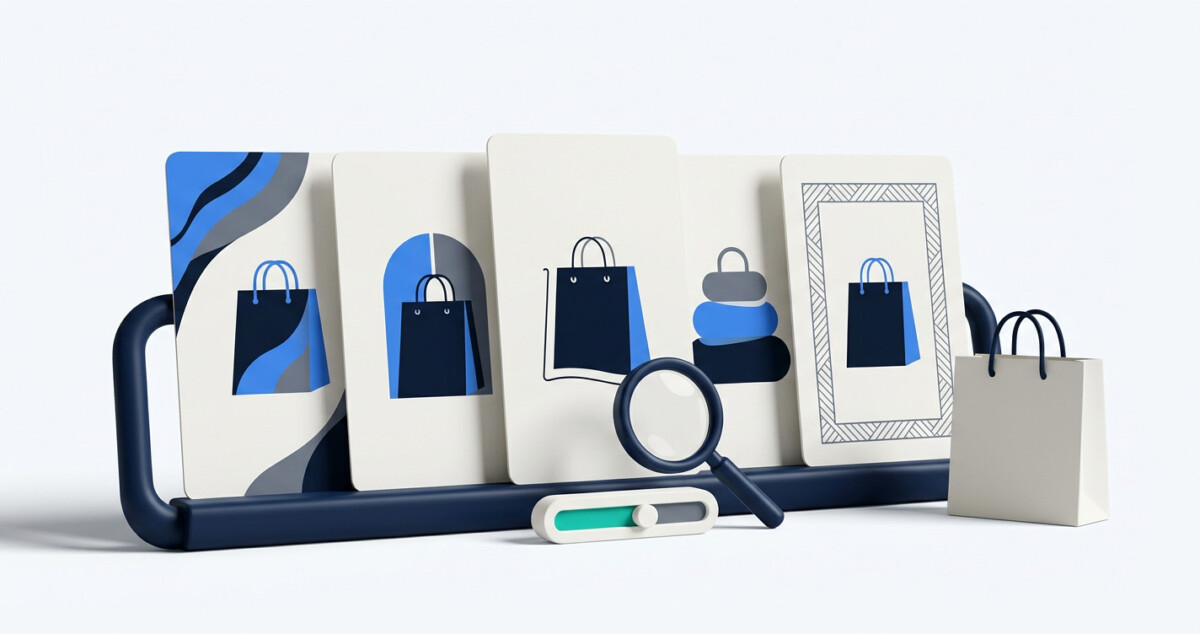
Use illustrated ecommerce campaigns in email and social to test a recognizable promotional theme, while retaining accurate product photography wherever shoppers judge the item. Start with an authorized source photo, approve one illustration, adapt it across two channels, and compare its performance with familiar creative.
A campaign image earns attention. A product image earns confidence. Asking one stylized visual to do both jobs creates a problem that better artwork cannot solve.
Illustrated ecommerce campaigns work best in email and social, not as a replacement for accurate product photography. Start with a photo you have the right to use, make one approved illustration, adapt it for two channels, and compare it with your usual creative.
The tools below follow that test from the first image to the final review. Each has a distinct job, so the artwork, offer, and product facts stay consistent across channels.
Illustrated ecommerce campaigns make sense when a brand wants to test a recognizable creative theme for a promotion, editorial story, or community moment. They are less appropriate when a shopper needs to judge the true color, size, texture, or fit of a product. Those details belong in accurate product photography and descriptions.
Consider a hypothetical pet accessories store using a photo of its own dog for an autumn campaign. The illustrated dog introduces the theme, while accurate photos still show the leash being sold. This is a test example, not a claim of real-world results.
Before opening a generator, record the audience, offer, desired action, and source-image rights. A customer photo posted publicly is not automatically licensed for transformation or advertising. If permission is unclear, use an image the business owns.
Define the comparison before launch. To test the visual, keep the offer, landing page, and send time as similar as practical. Otherwise, a change in results cannot be attributed to the artwork.
Choose placements where the viewer is discovering the promotion, such as a social post or email header. A shopper already comparing sizes or colors needs a different image: a faithful view of the item. This distinction lets the brand explore a playful campaign without asking a stylized picture to answer a practical buying question.
The sequence is concept, layout, email, social, and measurement. Each handoff uses the same approved offer and product facts.
First, test whether the original photo can become an illustration without losing the subject’s identity. The dog should remain recognizable even if the background and palette change. Treat the result as a concept, not a ready-to-publish ad.
The Flova Image to Anime Convertor lets a team upload an image it can use, describe an anime look, and refine the character, setting, color, and mood. Compare a restrained and an expressive option against the brand’s visual language. Do not let either imply an inaccurate product color or feature.
Select a photo-to-anime brand visual only after checking likeness and rights. Record the approved palette, facial details, and background so another designer can use the same direction. Before commercial publication, verify the current usage terms for the selected plan and model.
Review each option beside the original photo, not in isolation. Check whether the face, markings, and pose still read as the intended subject, and whether the illustration leaves room for a headline. If both options are visually striking but neither fits the brand, revise the direction instead of approving an image simply because it was quick to make.
With the concept approved, the next job is adapting it without changing the character from one placement to the next.
Canva helps adapt the approved illustration to a wide email header, square post, and vertical story. Each format needs its own text-safe area and crop; forcing one layout into all three can hide the message.
Build the email version around a clear headline, visible offer terms, and one destination. Make the social version legible at phone size. Keep colors and copy consistent so shoppers recognize the campaign across channels. The site’s guide to AI image generation covers broader options, but this test should use one approved illustration.
Check the landing page too: the promoted item and current offer must be easy to find. The adapted assets are now ready for a more controlled email test.
Keep a record of the final exports and their intended placements. If the email version has an offer badge that the social version lacks, note why. The goal is consistency of message, not identical pixels. This also gives the email owner a clear, approved asset rather than several similar files with no decision attached.
Klaviyo can compare two email versions with the same offer, subject line, destination, and call to action. Change only the hero image: one version uses the illustration, the other a standard lifestyle photo. This makes the creative question easier to interpret.
Preview both versions on mobile and desktop, including with images blocked. Segment the audience only for a clear reason. The site’s seasonal email ideas can inform the message, but the visual theme must fit the actual promotion.
Read clicks and orders together. If visitors leave before viewing the product, the image may be setting the wrong expectation. Record the audience, creative versions, send time, and offer; one send is only an initial signal.
The email result should answer a narrow question: did this visual improve the response of this audience under these conditions? It should not be treated as a universal verdict on illustration. Repeating the test with another relevant offer can reveal whether the effect belongs to the theme or to the particular promotion.
The approved offer and image can now carry into a short social sequence rather than a series of unrelated posts.
Later helps schedule the social sequence. Use the illustration as a recognizable theme, not the only image: introduce the character, show a real product photo, then answer a practical product question.
The anime-style campaign artwork can catch attention, but shoppers still need evidence of what they will receive. Align captions with the landing page and do not present an illustrated subject as a customer endorsement. Use a customer’s photo only within the permission granted.
Record which posts use the theme and which use standard imagery. Social reach varies, so likes alone cannot decide the winner. The next step is to review what visitors do after clicking.
Google Analytics 4 helps connect campaign visits to on-site behavior. Add consistent campaign parameters to email and social URLs, then confirm that purchase or key-event tracking works before launch. Missing data cannot be reconstructed afterward.
Review engaged sessions, product views, add-to-cart actions, and orders in the same reporting window. Compare email variants within the email test and social posts within a similar context. Attribution does not prove the illustration caused a sale. The site’s guide to measuring email and SMS incrementality explains when an exposed-versus-unexposed comparison is needed.
The output is a decision: continue if the theme brings relevant visits, revise if it causes product-page confusion, or retire it after a fair test.
Check the tracking labels before comparing channels. Email and social audiences differ, so a direct comparison between their conversion rates can mislead. Start with the controlled email comparison, then use social and on-site reports to see whether the broader campaign tells a consistent story. If attribution is incomplete, state that limit in the review.
Keep illustrated creative honest by separating campaign storytelling from product evidence. An anime treatment can communicate personality, mood, or a seasonal setting. It should not silently change the item’s shape, included parts, color, or fit and then appear where shoppers expect a faithful product image.
Retain accurate photos as the primary product evidence. An illustration can supplement them if shoppers can still inspect the real item easily.
Give the reviewer a short checklist before approving assets. Does the offer match the landing page? Are the source photo and any recognizable subject cleared for this use? Could a shopper mistake the artwork for the exact item being shipped?
Are alt text and surrounding copy descriptive rather than pretending the illustration is a photograph? These checks are small, but they prevent creative excitement from turning into a misleading product promise.
If the character later appears in a video or paid ad, recheck product facts and image rights. Approval for an organic post may not cover every future use.
The theme deserves another round when it supports the campaign goal without weakening product accuracy. For qualified product interest, product views and add-to-cart behavior matter more than raw impressions. For awareness, reach and engaged visits need context.
Document what changed and what did not. Note the source image, creative version, audience, offer, send or posting window, and landing page. Record any tracking gaps.
This record remains useful even if the first test is inconclusive. It also prevents crediting artwork for a change caused by a deeper discount or better placement.
Keep illustrated ecommerce creative when it helps shoppers understand an offer without weakening trust in the product. The next step may be a revised image or narrower audience, not a brand-wide redesign.
Not when shoppers need to judge the actual item. Use it as campaign or supplementary creative, with accurate product photos easy to find.
Only with permission for the specific transformation and placement. Permission to repost a photo does not automatically cover changing a person’s likeness or running a paid ad.
Not in the first visual test. Keep the subject line, offer, audience, and destination as consistent as practical so the hero image is the main difference.
No. Check on-site behavior and orders too; use a holdout test if the decision requires an incremental sales estimate.
Do not force it. Keep what you learned about the audience, then test another style or return to photography before scaling the campaign.




