

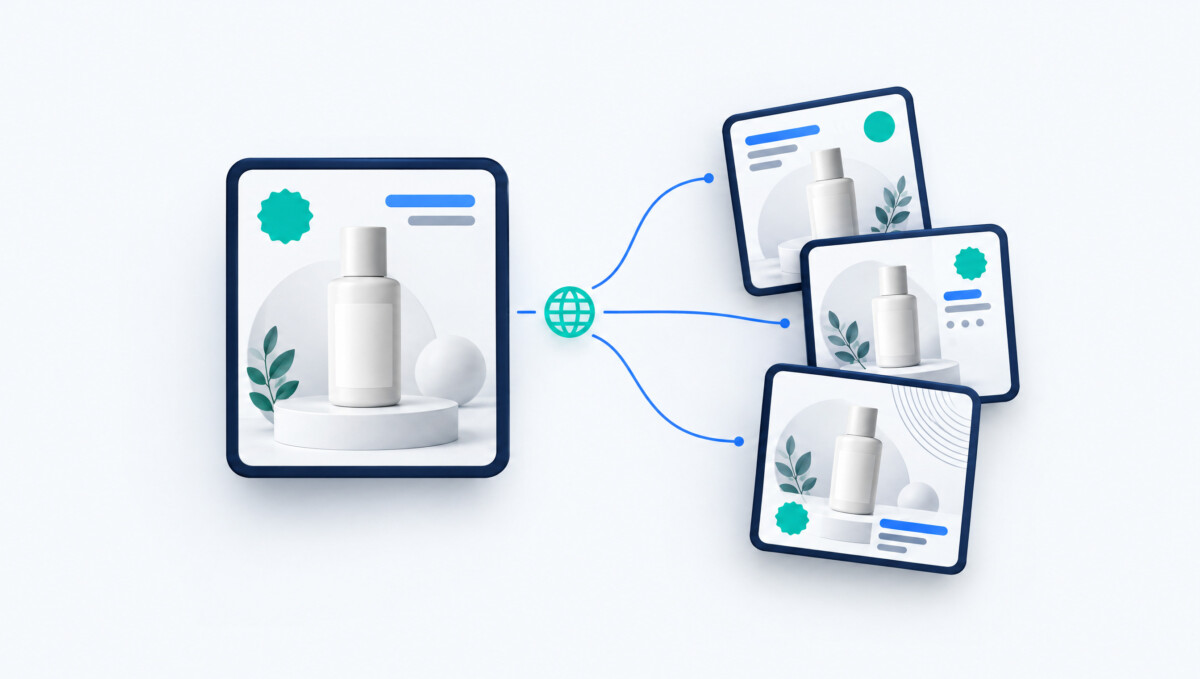
LingFlow offers AI-assisted translation and visual editing for ecommerce images and PDFs, helping teams prepare localized assets beyond storefront text. Its role is asset production, not a verified automatic Shopify publishing workflow; terminology, product facts, layout, and market-specific delivery still require review.
A translated product description does not finish the job when the size chart, feature graphic, and instruction manual still speak another language.
Launching an ecommerce store in another market involves more than translating product titles and descriptions. A product page may also contain size charts, comparison graphics, promotional banners, feature callouts, packaging instructions, and downloadable PDF manuals—all of which can carry text that customers need to understand.
For brands managing dozens or hundreds of visual assets, manually recreating every image in another language quickly becomes a production problem. An ecommerce localization tool such as LingFlow is designed for this part of the workflow, helping cross-border ecommerce teams translate product images, marketing posters, and PDF materials through an AI-assisted visual localization process.
LingFlow is built around a workflow of uploading the original asset, translating its content with AI, and reviewing or editing the localized visual online. It is aimed specifically at cross-border sellers, international marketers, localization teams, technical-document professionals, and digital content creators.
Most international storefront projects begin with text.
Teams translate:
That work is important, but ecommerce pages are increasingly visual.
A product image may contain:
If the product description is localized but these graphics remain in the original language, the customer experience becomes inconsistent.
Ecommerce Fastlane has recently highlighted a similar problem with translation consistency across storefronts, support, email, and other customer touchpoints: individually understandable translations can still create friction when language changes from one channel to another.
Visual assets create another layer of that same problem.
For many ecommerce brands, visual content is produced before international expansion begins.
The original creative team may have designed every product image for one market.
When the brand enters another country, the localization team inherits finished assets rather than editable source files.
One listing might include:
Multiply that by 50 or 100 SKUs and the amount of localization work grows quickly.
LingFlow is specifically designed to handle multilingual visual materials, including product images and marketing posters. Its product documentation also highlights batch scenarios such as processing around 100 product images for cross-border listing work.
The translation itself is only one part of visual localization.
A designer could theoretically:
Doing that once may be manageable.
Doing it across an ecommerce catalogue becomes expensive in time.
A short English feature label may become significantly longer when translated.
That can affect:
Visual localization therefore requires a review step after translation.
LingFlow combines AI translation with online visual editing and checking, so teams can review the localized asset instead of treating machine translation as the final production file.
For an ecommerce team expanding into another market, visual localization can be treated as a repeatable production process.
Use the current product images rather than an old creative folder.
Before translation begins, confirm:
This matters because localization should not preserve outdated product information.
The product image or marketing visual can then enter LingFlow’s AI translation workflow.
The goal is to create a localized version without manually rebuilding every graphic from the beginning.
A translation can be linguistically correct but still look wrong inside the image.
Review:
Product facts should stay consistent.
Ecommerce Fastlane’s coverage of AI product-image workflows makes a similar point: AI-assisted creative production still requires comparison against approved source assets so the final material does not misrepresent the product.
That principle applies to localized graphics as well.
Imagine an electronics brand selling a product with a specific accessory name.
The product page uses one translation.
The size chart uses another.
The instructional graphic uses a third.
The customer may understand all three individually and still wonder whether they refer to the same item.
For each market, identify terms that should remain consistent:
Ecommerce Fastlane recently described this wider issue as “translation drift,” where terminology gradually changes across different parts of the customer journey.
The same control should extend to visual content.
Promotional content introduces another problem.
Marketing copy is often short, emotional, and dependent on context.
A literal translation of a campaign headline may be grammatically correct while sounding unnatural in the target market.
Product facts should remain stable:
Battery life: 12 hours
Capacity: 500ml
Material: Stainless steel
Marketing language deserves more editorial judgment:
Built for Every Adventure
A localization team may decide that the target language needs a different expression to communicate the same campaign idea naturally.
LingFlow can accelerate the visual translation workflow, while marketers remain responsible for deciding whether the final language fits the market and brand.
International ecommerce does not stop at the product page.
Customers may also receive:
These documents can contain a mixture of text, images, tables, and designed layouts.
LingFlow’s confirmed use cases include PDF manuals as well as product images and marketing posters.
A manual may place a warning beside a diagram or connect a step with a specific product image.
Translating the wording separately can disconnect those relationships.
A layout-aware localization workflow can reduce the need to reconstruct the entire manual after the translation stage.
The economics change once a brand has many SKUs.
Localizing five images manually may be reasonable.
Localizing hundreds of product graphics across several markets becomes a content-operations challenge.
Instead of asking:
“How do we translate this image?”
the better operational question is:
“How do we localize this product’s complete visual asset set?”
For example:
Product A
The same structure can then be repeated for Product B, Product C, and the rest of the catalogue.
LingFlow’s positioning around batch visual-material localization makes it particularly relevant at this stage.
AI can reduce repetitive translation and layout work, but ecommerce content directly affects purchasing decisions.
That means localized assets should be reviewed before they reach the storefront.
Check:
Check whether the wording sounds natural to the intended audience.
Check whether translated text fits comfortably inside the original design.
Make sure terminology matches the rest of the localized storefront.
This is especially important when several people or tools are producing content for the same international launch.
For ecommerce teams planning regular international expansion, localization works better when it becomes part of asset production instead of an emergency task before launch.
A scalable workflow might look like:
Approved source assets → AI-assisted localization → Online visual review → Terminology and product-fact check → Market approval → Publish
LingFlow fits into the middle of this process by combining translation with visual-material editing and review.
For ecommerce brands, that changes localization from a series of isolated design requests into a repeatable content-production workflow.
LingFlow addresses visual translation and asset preparation, while ecommerce teams remain responsible for product accuracy, market suitability, review, and storefront publishing.
LingFlow is designed to localize visual multilingual materials, including product images, marketing posters, and PDF manuals. Its public website describes image text replacement, a visual editor, and PDF layout preservation. The visible upload interface lists PDF, JPG, JPEG, PNG, BMP, and WEBP. Test your actual files before scaling, especially dense diagrams or scanned manuals. Creating a localized file is separate from publishing it in the correct storefront placement, so verify both the asset workflow and the deployment process.
LingFlow is positioned for teams managing multilingual documents and visual assets, including ecommerce sellers, marketing teams, and product or technical-document teams. For ecommerce, its clearest relevance is a catalog with repeated text-bearing graphics, promotional assets, or manuals that need language variants. It is less compelling when a store has only a few simple images or already has an efficient editable-source workflow. Choose based on your files, reviewer requirements, and publishing process rather than assuming every international merchant needs another localization platform.
Yes, LingFlow advertises batch workflows for multiple product images, and its public upload interface currently states a maximum of 20 files per upload with a 50 MB limit per file. That limit should not be confused with a verified total project capacity, throughput guarantee, or allowance for a particular account. Confirm current plan conditions and export options before preparing a large catalog. Begin with representative assets and measure review and correction time, not just the time required to submit files.
No, AI translation does not remove the need to review product terminology, specifications, marketing language, and visual layout before publication. Check quantities, units, model identifiers, accessory names, line wrapping, and whether translated labels still connect to the correct diagram. Review the exported file and the customer-facing page, not just the editor preview. Manuals with safety or regulatory implications need qualified specialist assessment. LingFlow’s described editing workflow can support corrections, but approval remains the responsibility of the ecommerce team.
Localize text inside product images because shoppers use those visuals to understand dimensions, features, comparisons, and instructions that influence a purchase. A translated description does not resolve an untranslated size chart or setup graphic. Prioritize text-bearing assets that affect product understanding, compatibility, and safe use, then review wording and measurements against approved source information. Maintain consistent terminology across the image, product page, and manual. Finally, confirm that customers see the intended localized asset in the correct language or market view.




