

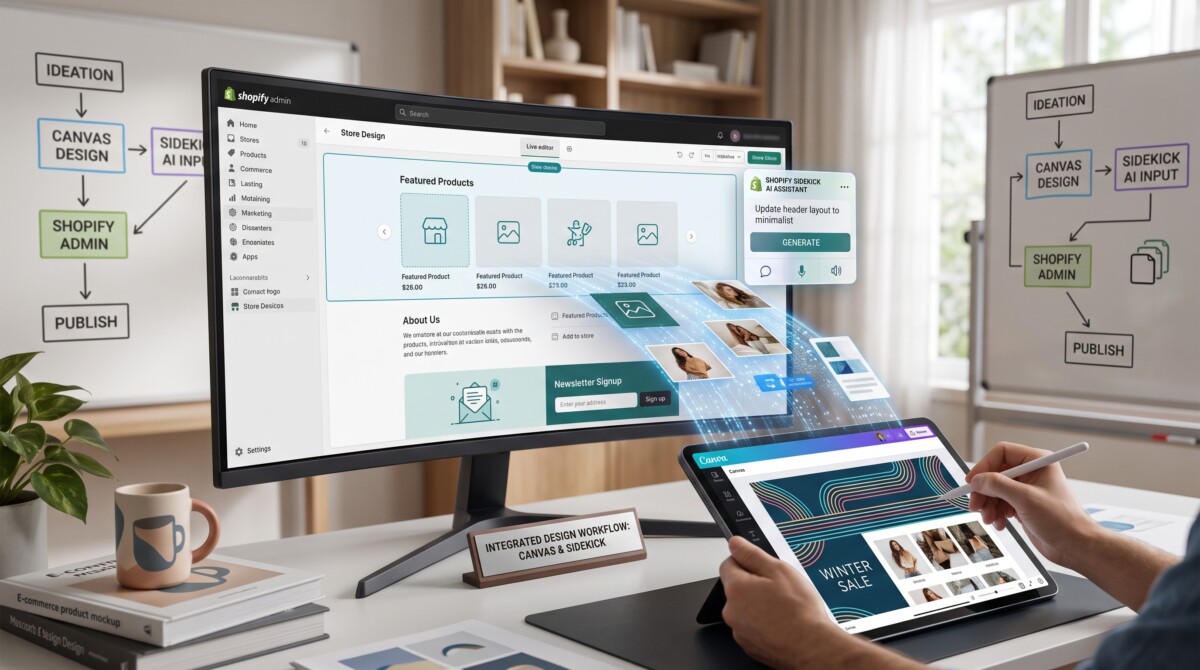
Shopify Canvas is a new design workspace, in early access from October 1, 2026, where merchants see every store page at once and build custom theme code by chatting with Sidekick. It removes most of the cost of bespoke design, which makes brand judgment and redesign discipline the real constraint.
For ten years, the hard part of a custom Shopify store was the code. Canvas makes the code cheap. What it cannot make cheap is knowing what your store should feel like, and knowing when to leave it alone.
Picture a founder doing $400K a year who has wanted a darker, more editorial homepage for eighteen months. She got an agency quote somewhere around $8,000 and six weeks (an illustrative number, but not an unusual one), looked at her Q4 cash plan, and never booked it. This morning, Shopify opened a tool that can produce a credible version of that redesign in an afternoon, across every page of her store, without her writing a line of code.
That tool is Canvas, and it is the most consequential change to how Shopify stores get designed since the move to theme blocks. Whether you are still picking your first theme or you run a $10M brand with an agency on retainer, it changes the math on what a custom store costs and who can build one.
Here is my read after going through Shopify’s announcement of Canvas and the launch demo: the headline is that design just got dramatically cheaper. The part worth your attention is what happens to your store when changing it no longer costs anything. That is where the opportunity and the risk both live.
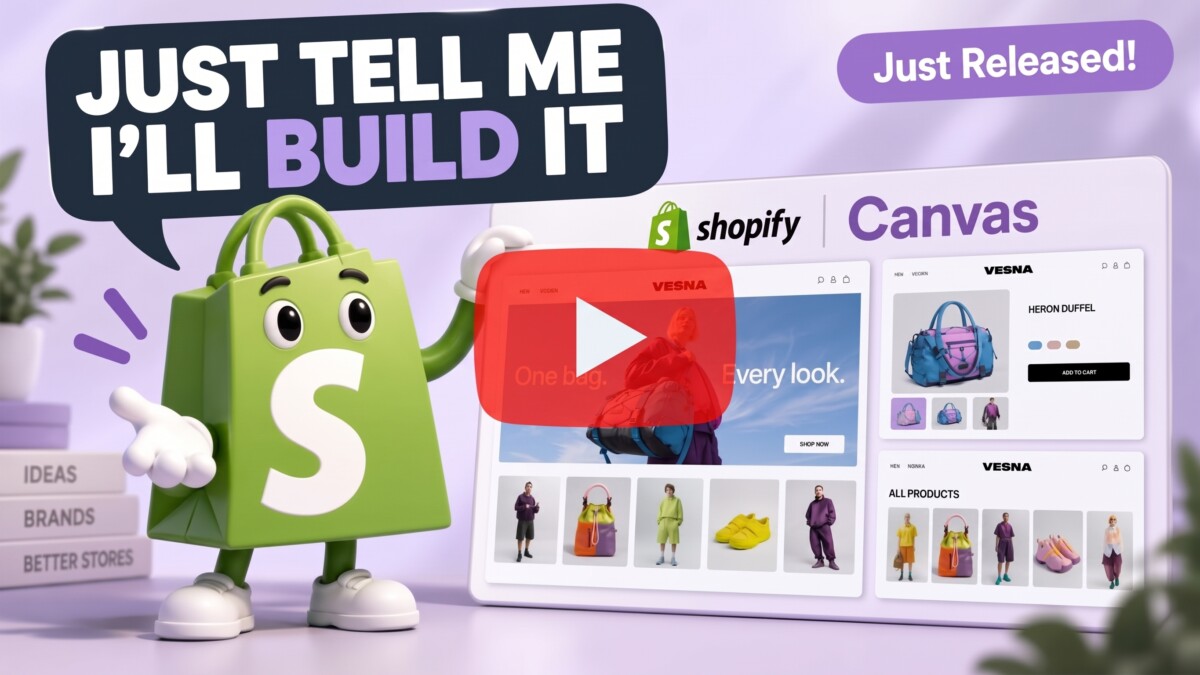
Shopify Canvas is a new visual workspace in the Shopify admin where you see every page of your online store laid out side by side and build a custom design by chatting with Sidekick, Shopify’s AI commerce assistant. Instead of opening one template at a time in a settings panel, you pan across your homepage, product pages, collection pages, and content pages together, then zoom in on whatever you want to change.
You can still click an element and edit it directly, or double-click a heading to rewrite it. But most of the design work happens in conversation. Ask Sidekick to make the hero bolder and more editorial, pull the fonts and color palette from your live theme, or carry a new direction through the whole store, and the changes land on Canvas in real time so you can judge them in context.
Three details separate this from the AI store builders that came before it. First, you are not looking at a mockup. Canvas renders the real code behind your store, with working interactivity and animation, and lets you preview key pages with different products, collections, and screen sizes. Second, the safety net is built in: work autosaves, undo and redo, and a full version history let you roll back to earlier checkpoints before you publish. Third, Sidekick keeps working when you leave. In Shopify’s demo, a store-wide restyle runs as a to-do list while the merchant closes the laptop and goes for lunch.
Ben Sehl, Shopify’s Director of Product, framed it through his own history. When he built the first version of Kotn, the Canadian apparel and home brand he co-founded, twelve years ago, he built a rough working store in two weeks, and he could code. He claims a merchant can now build a better, fully custom store in about twenty minutes. Canvas launched on October 1, 2026, but the Canvas page in Shopify’s Help Center describes it as early access, available only to certain stores and only on desktop. If you have it, you open it from the Themes page in your admin.
The real change behind Canvas is that Sidekick now works directly on your theme’s files as a coding agent, rather than adjusting settings inside a theme someone else wrote. That is a different kind of capability, and it is why Canvas can take on store-wide redesigns instead of one block at a time.
Sidekick has been edging toward this for a while. In the Winter ’26 Edition announcement, Shopify let merchants click on any element in the theme editor and ask Sidekick to change it, and extended custom block generation to themes beyond Horizon. Later, Shopify rebuilt the mobile Online Store Editor with Sidekick inside it. According to Shopify, Sidekick made more than twenty-five million edits to themes in the first half of 2026 alone. If you want the full map of what Sidekick already does across the admin, our breakdown of how Shopify Magic and Sidekick divide the work inside your admin covers it.
What is new is the scope. Sidekick now edits theme files guided by instructions and skills written for building stores, and Shopify says it simplified theme architecture so Sidekick can more easily understand and change the store’s structure and logic. That work has been visible for months: The Register reported in July on Shopify’s move to a leaner, HTML-based theme written so AI agents could read it, with Ben Sehl arguing that every leading model already understands HTML. Before handing anything back, Sidekick validates its code and reviews screenshots of how its changes landed on Canvas, then refines in a loop. It also asks clarifying questions when a request could go several ways, proposes directions, and remembers preferences from earlier conversations so you don’t have to restate your brand every session.
The design side is the part I find most interesting. Austin Knight, a design director at Shopify, said getting Sidekick to write code was the easy part; getting it to make good design decisions took far more work. Shopify’s answer was to give each theme its own design contract, a curated set of patterns, and a large body of opinionated evaluation data.
When the cost of building a custom store falls from weeks of developer time to an afternoon of conversation, the scarce resource stops being code and becomes taste: knowing what your brand should look and feel like, and why. Shopify’s own framing is that bespoke design used to be the path of most resistance. Canvas turns it into the path of least resistance, and that changes who has an edge.
During my years as a Merchant Success Manager at Shopify, the stores that looked and converted best were rarely the ones with the biggest design budgets. They were the ones where the founder could tell you, in one sentence, what the brand stood for and who it was for. The design budget only amplified a clarity that already existed. Canvas amplifies in exactly the same way, just far more cheaply. It will happily build a beautiful store around a brand that has not decided what it is.
That means the most valuable thirty minutes you spend on Canvas happen before you open it. Write a one-page design brief and keep it next to you during every session. Name three adjectives your store should feel like, and three it should never feel like. List two stores you admire and the specific thing you admire about each, because “make it look like that brand” gives Sidekick nothing to reason with. State the single action each key template must drive: the homepage earns the click into a collection, the product page earns the add to cart, the cart earns the checkout. Finally, write down your non-negotiables, such as fonts, colors, photography style, and any claims legal has approved.
Sidekick’s memory makes this brief more valuable, not less. Because it carries preferences and earlier decisions forward, the first session effectively trains your design partner. Feed it a vague brief, and you get a polished version of vague. Feed it a sharp one,e and every later session starts from your brand rather than from the theme’s defaults. Your product photography, your positioning, and your copy still have to be yours. Canvas can arrange them beautifully. It cannot invent them.
The biggest risk Canvas introduces for growing stores is redesign churn: changing the store so often, because it is now easy, that you never learn what actually moves conversion. When a redesign cost six weeks and a five-figure invoice, that friction quietly forced discipline. You planned it, you launched it, and you lived with it long enough to read the results. Remove the friction, and the discipline has to come from you.
I have watched hundreds of merchants at the $500K to $2M stage stall for the same reason: premature complexity. Too many apps, too many channels, too many tactics running before the fundamentals are solid. Canvas creates a new version of that pattern: too many designs. A merchant who restyles the homepage on Monday, the product template on Wednesday, and the cart drawer on Friday changes three variables in one week and learns nothing about any of them.
The timing makes this sharper. Canvas arrived on October 1, about eight weeks before Black Friday on November 27. The templates that carry your Q4 revenue are the ones most tempting to refresh and the most expensive to break. My rule for anyone above roughly $500K: do all Canvas work on a duplicate of your live theme, change one template at a time, and hold each change for at least two to four weeks before judging it against the same weeks last year. Leave product and cart templates alone after mid-October unless something is broken.
Speed is the other quiet cost. Sidekick can add entrance animations, new sections, and richer layouts in seconds, and each one adds weight to the page. Custom code written by an agent still has to load on a mid-range phone. Before your first big Canvas session, set the limits our guide to setting a Shopify performance budget before you design walks through, so speed becomes a constraint Sidekick designs within rather than a cleanup job after launch.
Canvas is an early release: Shopify says it is not replacing the existing theme editor yet and that gaps remain, so treat it as a powerful new option rather than the new default. The launch announcement is direct about this, and says things will change quickly.
Three limits matter right now.
None of this is a reason to wait. It is a reason to run three checks before you publish anything Canvas produces. First, preview every changed template on a phone with real products, including your longest product title and your most variant-heavy item, because generated layouts tend to break there. Second, run a speed test on the changed templates and compare them to your budget. Third, write down what you expect the change to improve and how you will measure it. If you cannot name the metric, you are decorating, not designing. Version history means you can always roll back. A clear hypothesis means you will know when you should.
How you should use Canvas depends almost entirely on your revenue stage: pre-launch stores should use it to reach good enough quickly, while stores past $500K should use it to test deliberately, not to redesign on impulse.
If you are pre-launch, Canvas may be the simplest answer to a question that used to send people shopping for third-party tools. Before paying for one of the generators in our comparison of AI store builders for Shopify, see how far Canvas gets you on one of Shopify’s own free themes, since third-party theme support is still incomplete. Then set a deadline and launch. Your first hundred orders will teach you more than your fortieth homepage revision.
Between $50K and $500K, Canvas is most useful for the work you used to send to a freelancer as a small ticket: a custom comparison section, a better size guide, a cleaner collection header. It is also worth testing whether Canvas covers what you currently pay a page builder like PageFly, GemPages, or Shogun to do. For some stores it will; for stores running heavy A/B testing or funnel work, the dedicated tools still go deeper.
Between $500K and $2M, treat Canvas as a testing instrument and run it alongside the same subtraction mindset our Shopify tech stack audit for app bloat and operational drift recommends. Every design capability Canvas handles natively is a potential app or script you can remove. Above $2M, the value is speed of exploration: let your team or agency prototype three directions in Canvas in an afternoon, then put the winner through your normal QA, staging, and testing process, including Shopify’s Rollouts feature if you have access to it.
Canvas doesn’t eliminate Shopify agencies or theme developers, but it shifts their value from executing design changes to strategy, brand direction, performance, and quality control. The work that gets squeezed is the work Canvas now does in minutes: one-off custom sections, layout tweaks, and the long tail of “can you move this above that” tickets. The work that gets more valuable is everything Canvas depends on but cannot supply.
For agencies, that means the brand strategy engagement holds up far better than the custom section ticket. A merchant can now get a polished first draft on their own. What they cannot get alone is someone to tell them which of Sidekick’s three directions fits their positioning, whether the new homepage is quietly slower on mobile, and whether the change actually lifted conversion. Agencies that sell judgment, measurement, and governance will find Canvas makes their clients faster and their own teams more productive. Agencies that mainly sell implementation hours have a pricing conversation coming in 2027.
For theme developers, the competitive question changes. Shopify describes each theme as carrying a design contract and a curated set of patterns that guide Sidekick’s choices, and in its developer forum post it says it is rethinking the role of the Theme Store, with themes acting as starting points and theme developers playing a significant role in what comes next. If that holds, a theme’s quality will include how well it guides an AI agent toward good decisions, not just how it looks out of the box. That is a new way to differentiate, and developers who invest in clear, opinionated design systems will benefit first.
Yes, Canvas will matter in eighteen months, because the shift from editing settings to directing an agent that writes real code is the direction Shopify has been building toward for more than a year, and it is unlikely to reverse. Horizon introduced theme blocks and AI block generation in the Summer ’25 Edition. In Winter ’26, Sidekick can edit any element on request. Canvas connects those pieces into a single workspace.
What I would not bet on is the exact interface. Shopify said plainly that things will change quickly, and early releases rarely look the same a year later. What I would bet on is the underlying shift: the cost of a custom, distinctive Shopify store is heading toward zero, and once something is close to free, it stops being an advantage. The store design itself will not separate brands in 2028. Clarity will: who the brand is for, what it promises, and the patience to measure before changing again.
So before you open Canvas for the first time, go back to the question that should sit in front of every tool decision: what result am I trying to achieve? If the answer is a store that finally looks like the brand in your head, Canvas is the best tool Shopify has ever given you for that job. If the answer is more revenue, the redesign is only a hypothesis, and Canvas just made it far cheaper to test properly.
Shopify Canvas is a visual design workspace where you see every page of your store at once and build custom designs by chatting with Sidekick, Shopify’s AI agent. The traditional theme editor shows one template at a time and changes the settings a theme exposes. Canvas lays your homepage, product, collection, and content pages side by side, lets you pan and zoom across them, and has Sidekick write and edit the theme’s actual code. You still click elements to edit them directly when that is faster. Canvas previews the real code with working animation and interactivity, lets you test different products, collections, and screen sizes, and includes autosave, undo, and version history. Shopify launched it in early access on October 1, 2026, for desktop only.
No, Shopify Canvas does not replace the Shopify theme editor yet. At launch, Shopify said Canvas is early, isn’t replacing the existing editor yet, and still has gaps to close, including incomplete support for third-party themes. In practice, that means both tools sit side by side for now. The theme editor remains the familiar way to adjust settings and blocks, while Canvas is the new option for larger, conversational redesigns across the whole store. Expect Canvas to change quickly over the coming months. Merchants who rely on a stable, documented workflow, especially larger teams, should keep their existing editing and QA process in place and introduce Canvas on a duplicate theme first.
You can use Shopify Canvas if your store is in its early access group, which Shopify’s Help Center says currently covers only certain stores. Canvas launched on October 1, 2026, works only on desktop, and opens from the Themes page in your admin. Shopify has not announced a separate fee, and Sidekick itself is included with Shopify plans, though some advanced Sidekick features have historically been limited to higher plans, so check your own admin rather than assuming. While you wait for access, write a one-page design brief, duplicate your live theme, and record your current conversion rate and speed for your main templates so you have a baseline once you start.
For most stores doing more than about $500K a year, you should not redesign your revenue-critical templates with Canvas before Black Friday. Canvas launched on October 1, roughly eight weeks before Black Friday on November 27, 2026, which leaves too little time to change a template, gather two to four weeks of data, and react if conversion drops. A safer approach is to explore Canvas on a duplicate theme now, limit live changes to low-risk pages such as an About page or a campaign landing page, and leave product and cart templates alone after mid-October unless something is broken. Smaller and pre-launch stores have less to lose and can move faster, provided they test on mobile first.
Shopify Canvas will replace some of the work you pay an agency or page builder app for, but not all of it. Canvas handles the execution layer well: custom sections, layout changes, and store-wide restyles that used to require developer time. It doesn’t provide brand strategy, conversion measurement, performance governance, or deep A/B testing, which is where good agencies and tools like Shogun, GemPages, and PageFly still earn their cost. The practical move is to audit what you currently pay for. If a page builder app mainly helps you build sections Canvas now produces natively, test whether you can remove it. If your agency mainly sells implementation hours, ask how they plan to work with Canvas.




