


From Facebook and Instagram Stories to YouTube, video has undeniably become an essential tool for marketing your business. 87% of consumers said they want to see more video content from brands, according to The State of Video Marketing in 2019 report by HubSpot.
Like many small-business owners, you probably use your phone to create your video content. Editing your video is something you can do on the go, too, giving it just enough polish to look professional. Also, editing your video is something you can do on the go with the help of a video editing service online, too, giving it just enough polish to look professional.
Various editing software will allow you to edit your video right on your favorite mobile device. To help you choose the right tool for you, we created this list of 10 user-friendly video apps that are free or have paid versions that add value.
If you’re ready to create video content that can boost your business, this list of video editing software will help you get started.

From the makers of the action camera GoPro, Quik is an app that was designed to edit video on the go. Simply capture your video, edit, and post. Quik makes it easy by searching your footage to find the best moments, automatically editing clips and adding transitions. You can also edit your footage manually if you want more control over the process.
Features include:
Cons:
Available for iOS and Android
Price: Quik offers a free basic plan. Users can upgrade to GoPro Plus, which offers a larger music library and premium support, for $4.99 per month with a 30-day free trial.
Best for: Automated quick editing

Do you have no experience in video editing but still want to create stunning videos? Whether you are a beginner or an experienced video editor, with Movavi Video Editor, you can create stunning videos in minutes. This software has various tools that help you unleash your creativity and create incredible videos that captivate your audience. The software is designed to be easy to use, with a simple drag-and-drop interface that allows you to import your video clips and start editing immediately.
Features include:
Cons include:
Available for Windows and Mac
Price: Free trial for up to 7 days. Paid plan costs ~$52
Best for: Beginners who have no prior experience in video editing
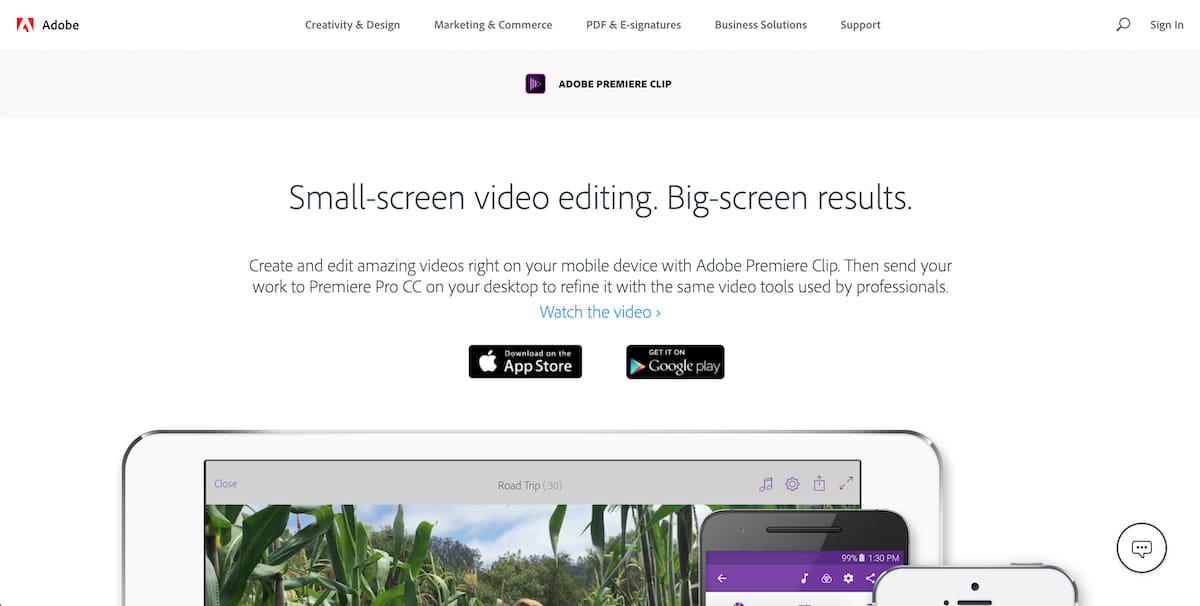
Adobe Premiere Clip is a video-editing app with two modes. A fully automated mode trims and transforms clips in minutes on your smartphone or tablet, allowing you to post immediately. A fully customized mode lets you take more time to add personal touches, such as special overlay designs and sound effects. Adobe Premiere Clip also has a built-in music library to add a soundtrack.
Features include:
Cons:
Available for iOS and Android
Price: Basic plan is free. Users can upgrade to Adobe Premiere Pro for $20.99 per month, which includes cinematic color tools, flexibility with camera formats, video tutorials, and sound refinement.
Best for: Simplified mobile video editing
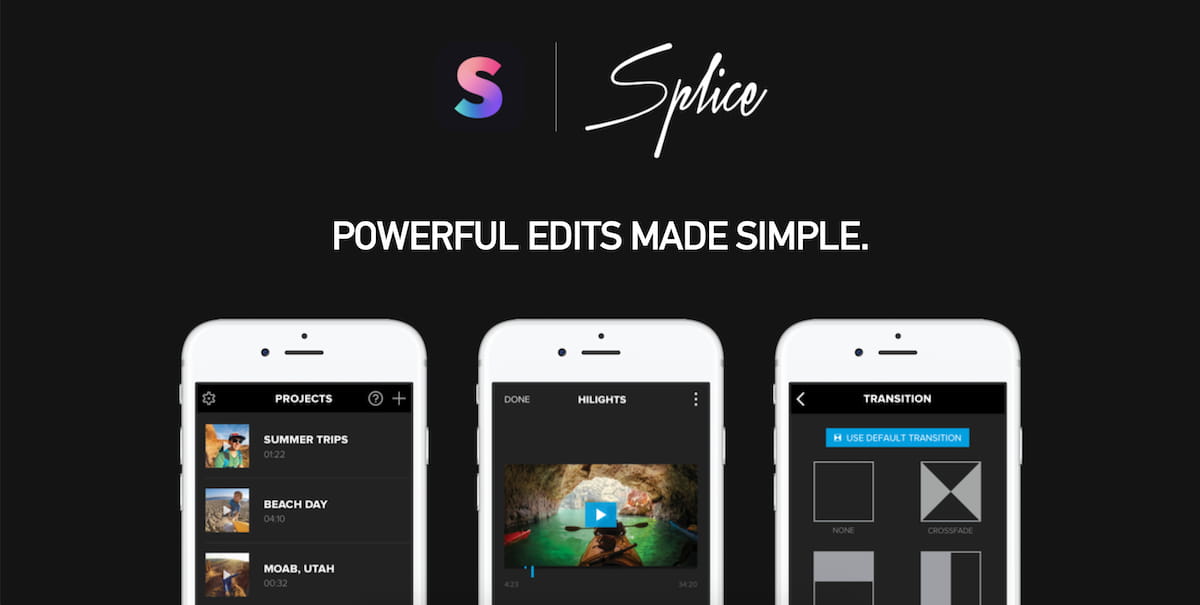
If you’re new to editing, Splice simplifies the process by offering an intuitive interface. As its name suggests, this tool helps you splice together clips to create a cohesive video with customizable transitions. The built-in music library makes adding a soundtrack easy. And Splice has high Apple Store ratings, which means users find it valuable.
Features include:
Cons:
Available for iOS
Price: Free
Best for: Combining multiple clips

If you want a simple video editor for creating Instagram Stories, InShot is an all-in-one tool. Easily trim your clips, change the speed of your footage and add filters. You can also rotate footage, a feature not all editing apps provide. Highly rated on Google Play, this app is a popular choice.
Features include:
Cons:
Available for iOS and Android
Price: Basic plan is free. InShot also offers in-app purchases.
Best for: No frills editing for Instagram Stories

If you’re ready to move up to professional features, KineMaster offers a video-editing app that is more robust than some of the others. This tool allows you to edit frame by frame, for the most detailed results. Dial in to adjust color, brightness and video speed. You can also use up to 10 layers on your video, including animation effects and handwriting. While this tool offers maximum power, its intuitive interface makes it easy to use.
Features include:
Cons:
Available for: iOS and Android
Price: Basic plan is free. Users can upgrade to the Pro Edition for $4.99 month.
Best for: Advanced video creators who want to edit on the go

Apple users who are new at video creation and editing should consider starting with iMovie, an intuitive, drag-and-drop interface that’s easy to use. Quickly trim video clips, add music and record voiceover. iMovie comes preloaded on most iOS devices, which means you can get started right away.
Features include:
Cons:
Available for: iOS
Price: Free
Best for: Beginner iPhone and iPad video users
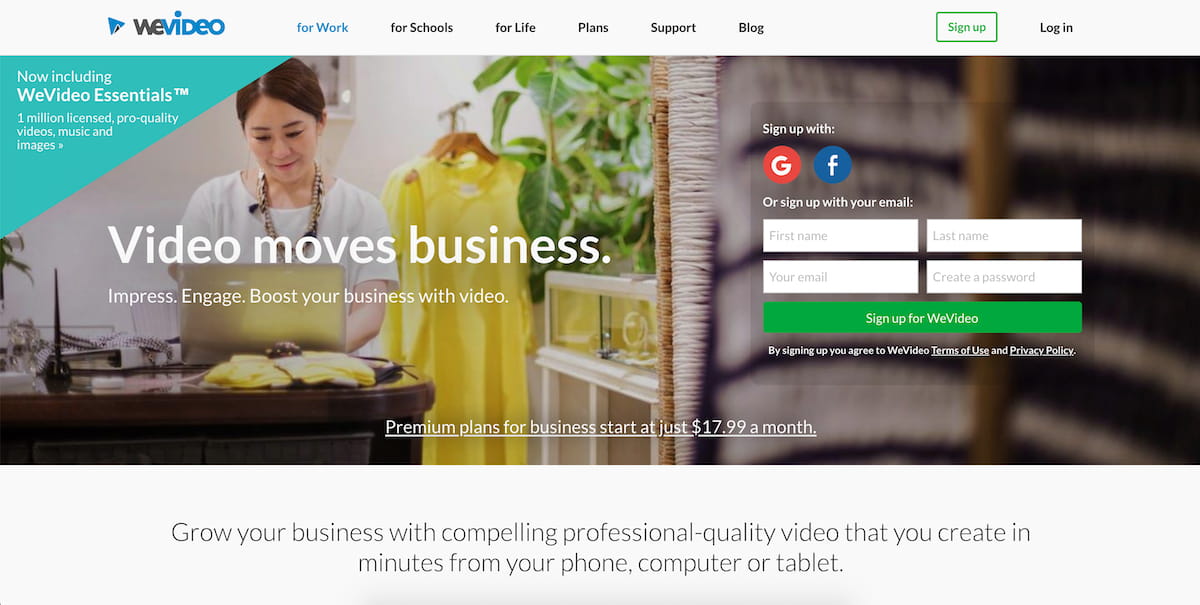
For video creators who want more editing functions, WeVideo offers all of the basic editing and then some. Trim clips, apply filters and add music, text, transitions and video effects. The app also offers premium plans with advanced features, such as a library with commercially licensed music and up to 4K resolution.
Features include:
Cons:
Available for iOS and Android
Price: Basic plan is free. Users can choose upgraded plans that start at $4.99 per month for access to a greater choice of royalty-free video clips, images, and music.
Best for: Experienced users who want to take their videos to the next level

Note: Website auto-plays music.
If you want to create video from pictures, PicPlayPost is an easy-to-use app that allows you to create automated slideshows and collages. Combine up to 365 photos, videos, and GIFs, and then upload a voiceover to explain the action or a soundtrack. You can also add custom watermarks and branded logos as well as custom backgrounds.
Features include:
Cons:
Available for: iOS and Android
Price: Basic plan is free, with in-app purchases available
Best for: Business owners who want to share photos in video format

If you want an easy-to-use video-editing app, Magisto uses AI to create content in minutes with three simple steps. Choose the editing style, add footage, and pick music. The tool will automatically edit and create your video. The tool also makes music suggestions to match the theme, or you can use music from your own library. Magisto is a popular choice and has 90 million users.
Features include:
Cons:
Available for: iOS and Android
Price: Basic plan is free. Premium and Professional subscriptions start at $4.99 per month and offer access to a wider range of editing tools.
Best for: Professional-looking videos fast
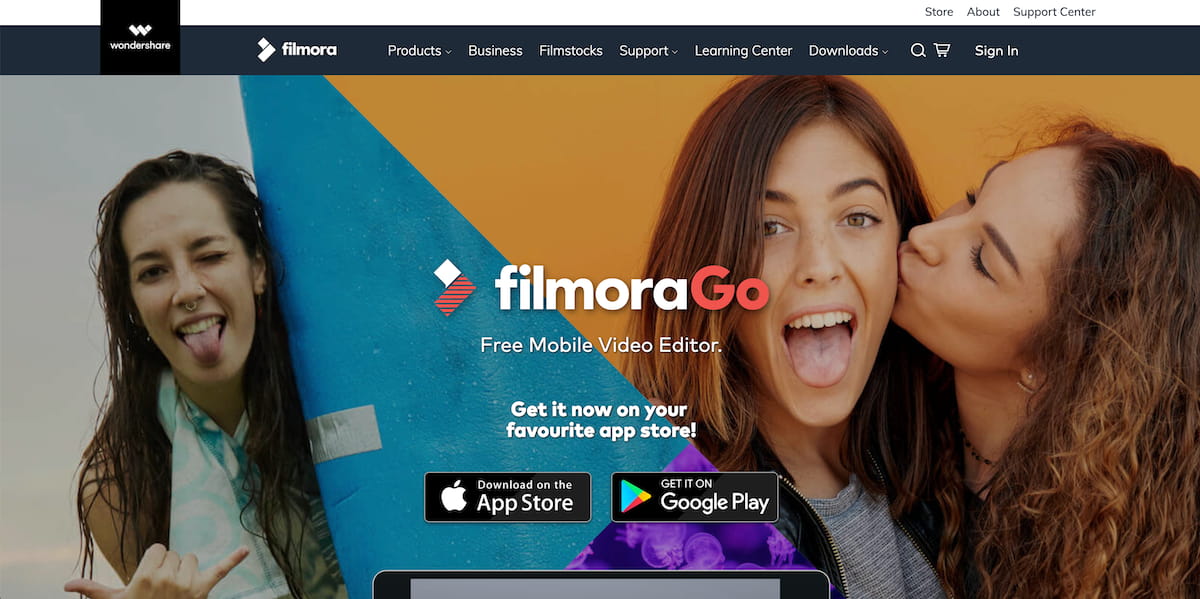
If you want a free video-editing app for creating Instagram Stories, FilmoraGo is a comprehensive tool that covers all of your basic needs. Add music from its built-in library or use your own music. FilmoraGo also lets you add overlay themes, text and titles, and elements.
Features include:
Cons:
Available for iOS and Android
Price: Free
Best for: Adding text, themes, and overlays to customize your videos.
Video content is unquestionably engaging, and it’s starting to dominate social media. While it used to feel prohibitively expensive to film and edit, today all you need is a smartphone, an app, and a sense of adventure. Mobile video editors have evened the playing field for small-business owners with modest marketing budgets. Now is the best time there’s ever been to create, polish, and distribute video content to your audience.
So grab your phone, download one of these editing apps, and press “record.” You never know if your business will create the next viral video.
Every other scholar today is upset due to the complex calculations involved in the subjects. But gone are the days when finding solutions to these complicated mathematical problems used to be a daunting chore. Calculator Online has overwhelmed all these technical problems and has designed 500+ most advanced mathematical calculators. Are you feeling trouble resolving derivation, integration, or any other query? Stop worrying and tap Calculator Online to start your computations fast and accurately!
Our friends initially published this article on Shopify.




