
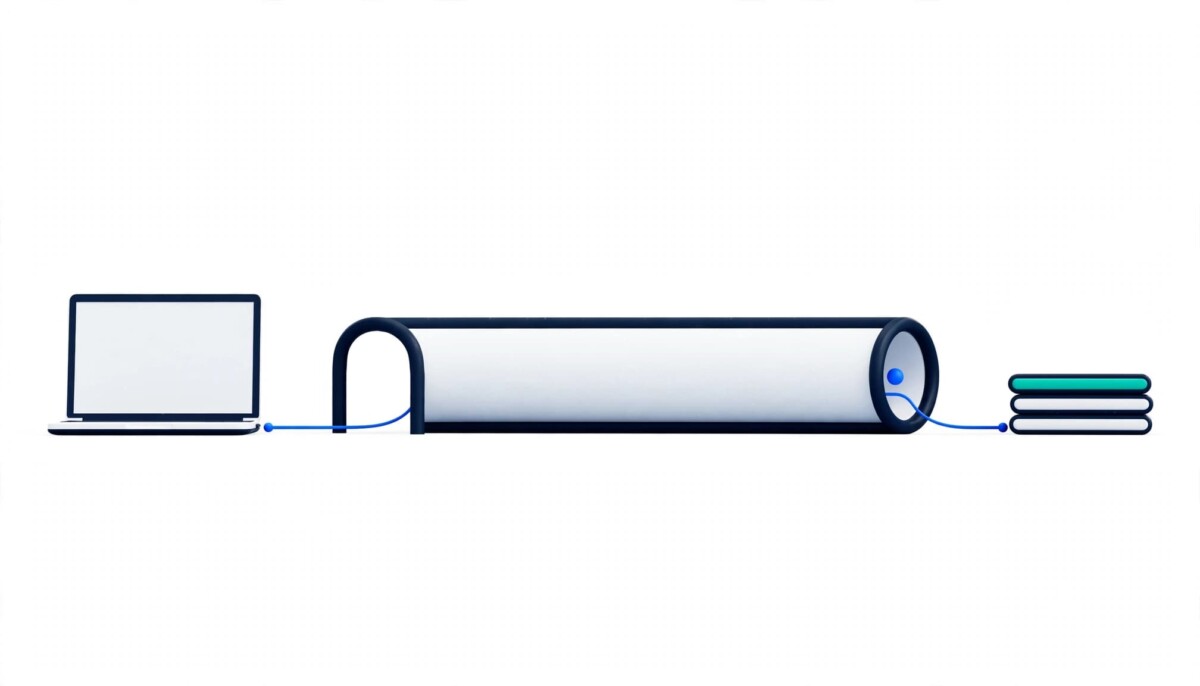
A VPN is a service that encrypts your internet traffic and routes it through a remote server, hiding your IP address from websites and keeping your traffic unreadable on local networks. On its own, it does not stop phishing, malware, or stolen passwords.
A consumer VPN protects the road your data travels on. On its own, it does nothing about who is typing the password.
Picture a founder checking her Shopify admin at an airport gate, a supplier portal from a hotel lobby, and ad spend from a cafe table, all in one trip. Each login crosses a network she does not control, and none of those networks asked whether she wanted her traffic visible. That gap is exactly what a VPN, short for virtual private network, was built to close.
A VPN is not new, and it is not magic. The U.S. National Institute of Standards and Technology published its first guide to IPsec VPNs in 2005 and revised it in 2020, as the NIST Guide to IPsec VPNs shows, which tells you the technology is mature. What changed is who needs one: store owners, agency partners, and remote teams now run revenue systems from laptops and phones on whatever Wi-Fi is nearby.
This guide covers how a VPN works, why people use one, the main types, how to compare providers, and where a VPN stops protecting you. If you only keep one idea, keep this one: a VPN protects the connection, not the login. By itself, it cannot tell a real login page from a fake one, and it cannot remove malware from your device. For a solo operator, a personal VPN plus multi-factor authentication covers most realistic risks. As a team grows, shared accounts and admin roles matter more than the VPN itself.
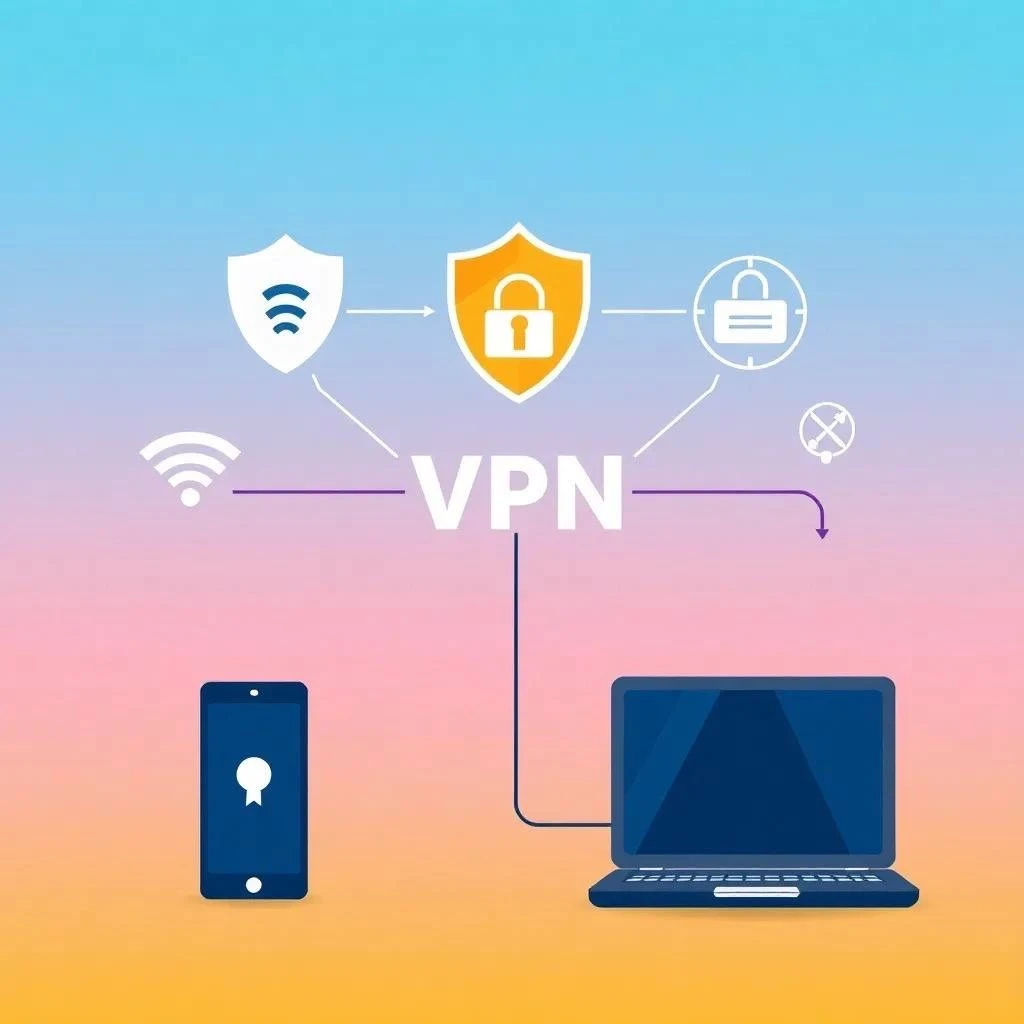
A VPN, or virtual private network, is a service that creates an encrypted connection between your device and the internet by sending your traffic through a server run by the VPN provider. Instead of connecting to a website directly, your device scrambles the data first. The scrambled data travels to the VPN server, which unscrambles it and passes it to the site you asked for. The reply comes back along the same path and reaches you encrypted again.
To the website, your traffic appears to come from the VPN server’s location and IP address, not yours. Think of it as a private tunnel running through a public road. Anyone nearby can see that a tunnel exists, but they cannot see what moves through it.
That routing produces three practical benefits. The first is privacy: your real IP address is masked, so the sites you visit see the server’s address instead. The second is security: encryption keeps anyone who intercepts your traffic, such as someone on the same public network, from reading it. The third is access: connecting through a server in another country can make it look like you are browsing from there, which helps with location restrictions.
People use VPNs for four main reasons: internet privacy, safer public Wi-Fi, access to restricted content, and secure remote work.
On privacy, internet service providers and websites collect data about your activity for analytics and advertising. A VPN hides your IP address and encrypts the conversation, so those parties can see less. It does not make you invisible, which the misconceptions section below covers.
On public Wi-Fi, airport, hotel, and cafe networks are easy places to lose a password. The Federal Trade Commission’s guidance on VPN apps notes that free public Wi-Fi is often insecure and that some people use a VPN to shield information sent over open networks. Most major sites now use HTTPS, which protects the content of each visit. A VPN adds a layer on top, hiding which sites you contact and covering the rest of your device’s traffic from the local network.
On restricted content, some streaming services and websites limit what you can see by country, and some governments block sites outright. A VPN lets you connect to a server elsewhere and view what a local visitor sees. For merchants, that has a practical use: geo-testing a competitor’s storefront from another country shows how pricing and promotions change by market. Use it for viewing and research; platform rules still apply.
On remote work, many companies use VPNs so staff can reach company systems safely from outside the office, which keeps important data protected while it is used away from a desk. Store teams can borrow the same idea by gating admin panels behind a VPN, so only connections from approved addresses reach sensitive dashboards like payouts and refunds.
The three common types are remote access VPNs, site-to-site VPNs, and personal VPN services, and they differ mainly in who uses them and what they connect.
Remote access VPNs are used by people and companies to reach a private network from elsewhere, such as databases and work files. Site-to-site VPNs are common in businesses with many offices, because they connect entire networks securely over the internet. NIST describes a VPN as a virtual network that provides a secure communications mechanism, which covers both of those cases.
Personal VPN services are what most store owners will actually buy. Consumer providers sell them to protect privacy and security online, and the app on your laptop or phone does the work. If you run a solo store, this is the only type you need to think about. If you are growing into a team with shared admin access, the remote access model starts to matter, because it lets you control who can reach which systems.
Choose a provider with a strict no-logs policy, fast and reliable connections, strong security features, and an app your team will actually use.
Start with the privacy policy. A VPN moves trust from your internet provider to the VPN company, so a no-logs policy, meaning the provider does not keep records of what you browse, is the point of the product, not a bonus. Server locations come next. More locations give you more choice and make it likelier you will find a server near you, though distance and server load affect speed more than the raw count. Locations also matter if you need to view content from a specific country.
Speed and reliability follow. A VPN adds a step to every connection, so it can slow you down, and the best way to find out is to test during a trial or refund window. For security, look for DNS leak protection, a modern encryption standard such as AES-256, and a kill switch, which cuts your internet access if the VPN connection drops so your traffic never falls back onto the open network unprotected.
Ease of use matters more than most buyers expect. If you are new to VPNs, simple software and responsive support beat a long feature list, because a tool nobody on your team turns on protects nothing. Cost is the last filter. Free VPNs exist, but they can carry limits or risks. The FTC’s 2018 guidance on VPN apps, which applies to free and paid apps alike, suggests researching the app, reviewing the permissions it asks for, confirming that it encrypts your information, and checking whether it shares your data with third parties. Paid VPNs usually offer more security and better performance. For a team, add one more question: how easily can you add and remove people when staff change?
The most common misconception is that a VPN makes you completely anonymous, when it only hides your IP address and encrypts your traffic.
A VPN does enhance privacy, but it does not make you invisible. Websites can still recognize you through the accounts you sign in to, cookies, and browser characteristics, and your VPN provider can see your traffic, which is why its logging policy matters.
A VPN also does not stop phishing, malware, or stolen passwords. A fake login page captures your password whether your connection is encrypted or not, and malware running on your device sits on the device itself. For a store owner, multi-factor authentication, a password manager, and role-based admin permissions do more to prevent an account takeover than a VPN does.
Finally, a VPN does not guarantee that platforms will trust your accounts. Ecommerce and advertising platforms judge identity and behavior, and a VPN will not stop platform account flags; frequent location changes can even make your logins look less consistent. Treat a VPN as encrypted access, not as a way around platform rules.
A fourth assumption is that a free VPN is as good as a paid one. Free services can work for a quick test, but limits on data and speed, along with unclear business models, make them a poor fit for logins that touch payouts or customer data.
Most store owners benefit from a VPN when they log in from networks they do not control, but a VPN is one layer of security, not the foundation.
If you are a solo operator or just getting started, one reputable personal VPN, multi-factor authentication, and a password manager cover most realistic risks, and the VPN matters most when you travel. If you run a growing team, add named accounts for every person, role-based permissions, and offboarding that removes access the day someone leaves. If you run a larger operation with finance and support staff touching sensitive dashboards, a managed business VPN with allowlisted admin access becomes worth the cost. Whatever your stage, the order is the same: lock down the logins first, then protect the connection they travel over.
Here is an illustration, not a case study. Imagine a three-person store team where the founder travels, a virtual assistant handles support, and a freelancer runs ads. The VPN protects the founder’s hotel logins, but the bigger risk reduction comes from giving the freelancer a named account with limited permissions instead of sharing the founder’s login. That one change shrinks what any stolen password can reach, which is something a VPN cannot do.
A VPN encrypts your internet traffic and routes it through a remote server, so websites see the server’s IP address instead of yours. Your device scrambles the data before it leaves, the VPN server unscrambles it and forwards it to the site you requested, and the reply returns the same way. The practical results are a masked IP address, protection from anyone watching the local network, and the ability to appear in another country. It does not make you anonymous, and it does not stop phishing, malware, or stolen passwords, so treat it as one layer of a security setup rather than the whole plan.
Public Wi-Fi is riskier than a network you control, but it is not automatically unsafe. The Federal Trade Commission has long warned that free public Wi-Fi networks are often insecure, and a VPN is one way to shield information sent across them. Most major sites also use HTTPS, which protects the content of each visit. A VPN adds a second layer by hiding which sites you contact and covering the rest of your device’s traffic. For store owners, the safest habit is to connect the VPN before logging in to admin, email, or ad accounts, and to use mobile data for the most sensitive tasks when practical.
No, a VPN cannot make you completely anonymous. It hides your IP address from the sites you visit and encrypts your traffic on the local network, but websites can still recognize you through accounts you sign in to, cookies, and browser characteristics. Your VPN provider can also see your traffic, which is why a strict no-logs policy matters when you choose one. If you need stronger anonymity than a VPN offers, you would need measures beyond a VPN, and you should be clear about the threat you are defending against. For most store owners, the goal is privacy and safer access, not invisibility.
Not always, because HTTPS and a VPN protect different things, and using both gives you more coverage than either alone. HTTPS encrypts the content exchanged with a specific website, while a VPN encrypts traffic from your whole device and hides which sites you contact from the local network. If you only log in to sites that use HTTPS, you already have strong protection for those sessions. A VPN becomes more valuable when you work from networks you do not control, use apps that may not be fully secured, or want your IP address hidden from the sites you visit.
A free VPN is usually a weak fit for business logins, although it can work for short tests. Free services often limit data, speed, or features, and some make money in ways that can conflict with your privacy. The Federal Trade Commission suggests researching any VPN app, reviewing the permissions it requests, confirming that it encrypts your data, and checking whether it shares information with third parties. If your team uses store admin, payment tools, or ad accounts through the VPN, a paid provider with a clear privacy policy and dependable support is the safer choice.




