

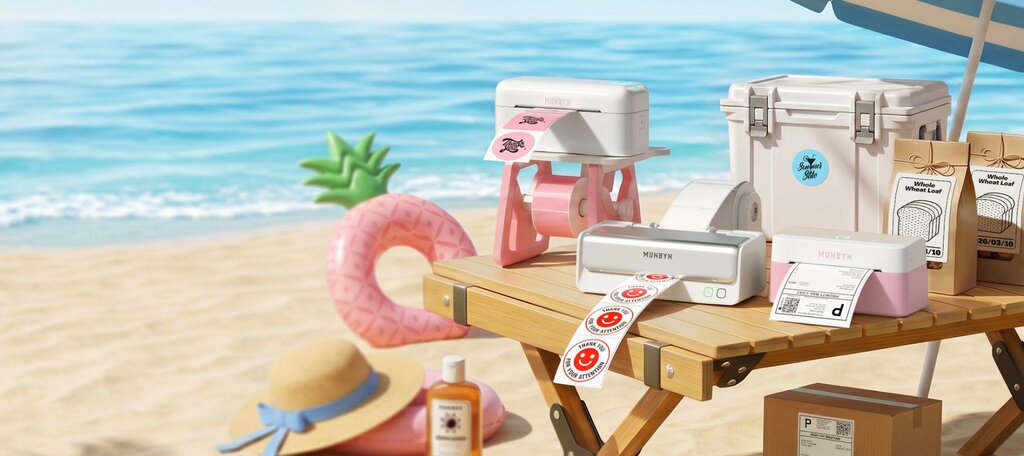
The best thermal label printer for a Shopify store is one that uses reliable direct-thermal technology, supports 4×6 labels, integrates cleanly with your shipping apps, and matches your workflow, with Bluetooth models like the MUNBYN RW403B standing out when wireless flexibility matters most.
A good thermal label printer does more than print faster labels, it removes friction from every single order you ship, which compounds into saved hours and fewer customer headaches every week.
Managing a Shopify store requires juggling multiple tasks simultaneously—inventory management, customer service, payment processing, and fulfillment. Among these critical operations, shipping is often the most time-consuming, especially when you’re printing hundreds of labels daily. The right label printer can transform your entire shipping workflow, saving you hours each week while reducing errors and improving customer satisfaction.
If you’re still hand-writing shipping labels or struggling with slow, unreliable printing solutions, it’s time to invest in a thermal label printer designed specifically for ecommerce businesses. This comprehensive guide will help you understand why a quality Bluetooth label printer might be exactly what your Shopify store needs.
Traditional inkjet printers seem like a budget-friendly solution at first glance, but they quickly become expensive and inefficient. Thermal printing technology offers distinct advantages that justify the investment:
Speed and Efficiency: Thermal printers operate at remarkable speeds—up to 150mm per second for some models. When you’re processing orders during peak seasons, this efficiency directly impacts your bottom line. A printer that produces a label in seconds rather than minutes can handle 10-20 times more volume throughout your workday.
Cost-Effectiveness: Unlike inkjet solutions, thermal printers don’t require ink cartridges or toner. You only pay for label stock, which costs pennies per label. Over a year, this difference becomes substantial, especially for high-volume operations.
Reliability and Consistency: Thermal printing doesn’t smudge, fade, or require alignment adjustments. Your labels remain crisp and scannable indefinitely—critical for returns and customer tracking.
Space Efficiency: Modern thermal printers are compact devices that fit easily on your desk or shipping station, taking up minimal real estate in your workspace.
Not all Bluetooth printers are created equal. Before making a purchase, consider these essential features:
Print Width and Resolution: For shipping labels, you’ll want at least 4×6 capability with 203 DPI resolution. This ensures barcodes scan reliably on the first attempt, reducing customer complaints and return issues.
Connectivity Options: While USB connections are standard, Bluetooth printer functionality has become increasingly valuable. Wireless connectivity lets you print from anywhere in your workspace without the cable management headaches. Whether you’re at your desk or your shipping station, a Bluetooth label printer keeps your workflow flexible and mobile.
Integration Capability: Your printer should work seamlessly with Shopify and your existing shipping apps like Shippo, Printful, or Fulfillment by Amazon. Compatibility issues can create frustrating workflow interruptions.
Build Quality: Your printer will run 8+ hours daily. Look for devices with metal components, solid construction, and proven durability records. Industrial-grade machines justify their higher price through longevity and fewer breakdowns.
Driver and Support: Comprehensive driver support and responsive customer service matter more than you’d expect. A great printer backed by poor support becomes a source of frustration.
After researching multiple options, MUNBYN consistently emerges as a top choice for Shopify sellers who want professional results without breaking the bank. The brand has built a strong reputation by focusing on what ecommerce sellers actually need.
MUNBYN label printers demonstrate this customer-centric approach. Their extensive collection spans various printer types and connectivity options, ensuring you’ll find the perfect fit for your specific operations. Whether you’re a solo entrepreneur running your first Shopify store or managing a larger operation with dedicated fulfillment staff, MUNBYN has solutions tailored to different scales and budgets.
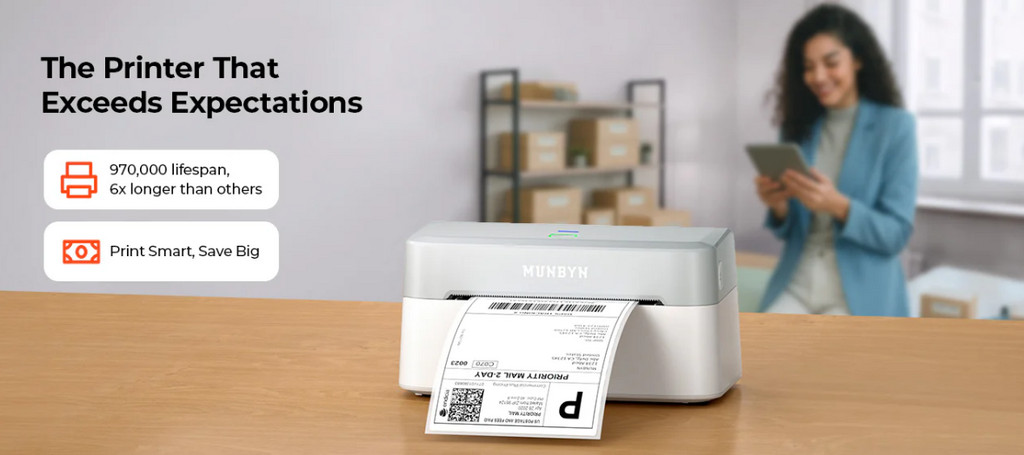
If you’re specifically looking for a Bluetooth label printer that combines portability with professional-grade performance, the MUNBYN RW403B deserves serious consideration.
Why This Model Stands Out:
The RW403B brings wireless convenience without sacrificing functionality. Its Bluetooth connectivity means you can position your printer wherever it makes sense in your shipping station—no cables running across your desk, creating trip hazards or cluttering your workspace.
The printer handles 4×6 labels at impressive speeds, maintaining the reliability you need for high-volume operations. The build quality is immediately apparent—this isn’t a flimsy plastic device. It feels substantial and built to endure the demands of daily ecommerce shipping.
Setup is remarkably straightforward. Unlike some printers that require extensive driver installation and configuration, the MUNBYN RW403B connects quickly via Bluetooth and works with most major shipping platforms. Your team can begin printing within minutes of unboxing.
The battery life is genuinely impressive for a Bluetooth label printer. Even during intense shipping seasons, you won’t find yourself constantly hunting for a power outlet. And when you do need to charge, the charging time is reasonable, fitting naturally into your operational schedule.
Real-World Performance:
In practice, this label printer handles the rigors of ecommerce shipping beautifully. Labels print with crisp barcode quality that scans reliably the first time. The thermal print head produces consistent results across thousands of labels without degradation. And when you inevitably spill coffee near your shipping station (it happens to everyone), the RW403B’s durability provides peace of mind.
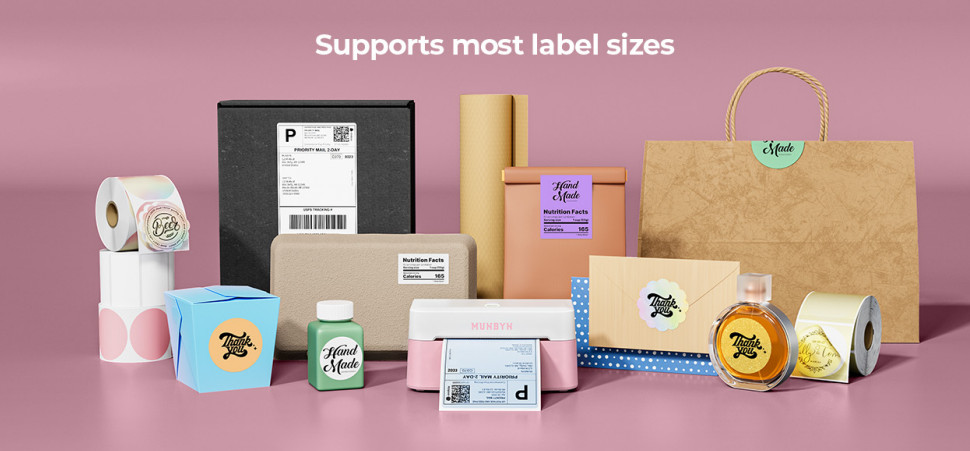
Beyond the RW403B, MUNBYN offers multiple options suited to different needs and preferences. (Use the limited-time discount code “MYSEO” at checkout to enjoy an extra 8% off for MUNBYN label printers.) Their comprehensive collection includes various models with different connectivity options, print widths, and price points. You can explore their full range to compare features, specifications, and capabilities side by side.
Whether you need a desktop powerhouse for your main fulfillment station or a portable Bluetooth printer for a mobile operation, MUNBYN’s lineup addresses real ecommerce scenarios. Their Bluetooth-enabled models represent a significant convenience upgrade—once you experience wireless printing, returning to cable-tethered printers feels like a step backward.
After selecting the right thermal label printer, maximize your investment with these implementation strategies:
Choose the Right Location: Position your printer at your shipping station where your team naturally works. The ideal spot minimizes walking, provides good lighting, and keeps supplies nearby.
Integrate with Your Workflow: Connect your printer to your Shopify shipping apps immediately. This automation removes manual steps that create delays and errors. Most quality printers offer straightforward integration with popular platforms.
Stock Supplies Strategically: Maintain adequate label inventory without excessive overstock. Most Shopify sellers discover their ideal usage rate within a month or two.
Train Your Team: Even intuitive devices benefit from proper training. Show your team how to handle paper jams, replace labels, and troubleshoot basic issues. Prevention of small problems prevents workflow interruptions.
Maintain Regular Cleaning: Monthly cleaning of the print head extends your printer’s lifespan significantly. This simple maintenance takes minutes but prevents expensive repairs.
The financial case for upgrading to a quality thermal label printer is compelling. Consider a typical Shopify store shipping 50-100 orders daily:
Most quality thermal label printers, including MUNBYN’s offerings, pay for themselves within 2-3 months for medium-volume sellers. For high-volume operations, the payback period is often measured in weeks.
Selecting a thermal label printer is one of the smartest investments a Shopify seller can make. The question isn’t whether you need one—it’s which model best matches your specific situation.
If you prioritize wireless convenience and portable operation, a Bluetooth label printer like the MUNBYN RW403B offers compelling advantages. If you have a fixed shipping station and maximum volume is your priority, MUNBYN’s desktop models might serve you better. The good news is that MUNBYN has clearly thoughtout options in both categories.
Before finalizing your purchase, take time to review specifications, compare models, and consider your specific shipping volume and workspace constraints. The investment in choosing the right label printer will pay dividends every single day you operate your Shopify store.
Your customers expect fast, reliable shipping. Your team deserves tools that make their jobs easier. A quality thermal label printer delivers both benefits simultaneously—and MUNBYN’s proven track record demonstrates they understand exactly what Shopify sellers need.
You should switch from an inkjet to a thermal label printer because thermal printers are faster, cheaper to run, and more reliable for shipping labels. They eliminate ink and toner costs, produce smudge-free labels, and keep up better with growing daily order volume.
You need a Bluetooth label printer if wireless flexibility and cleaner workstations matter in your shipping setup. Bluetooth lets you place the printer where it best supports your packing process without being limited by cable length, which can be especially helpful in small or evolving spaces.
For most Shopify shipping workflows, you should look for a printer that supports 4×6 labels at around 203 DPI. That combination keeps barcodes crisp enough for carriers to scan quickly while matching common label formats used by major shipping platforms.
MUNBYN label printers are designed to work with popular ecommerce shipping tools that connect to Shopify, so they generally integrate well when used through those platforms. Once connected, you can print standard shipping labels directly from your existing apps as part of your normal workflow.
A thermal label printer usually pays for itself within a few months for medium-volume Shopify stores and even faster at higher volumes. The combination of saved staff time, eliminated ink costs, and reduced shipping errors creates a short payback period compared with continuing to use slower, less efficient hardware.




