
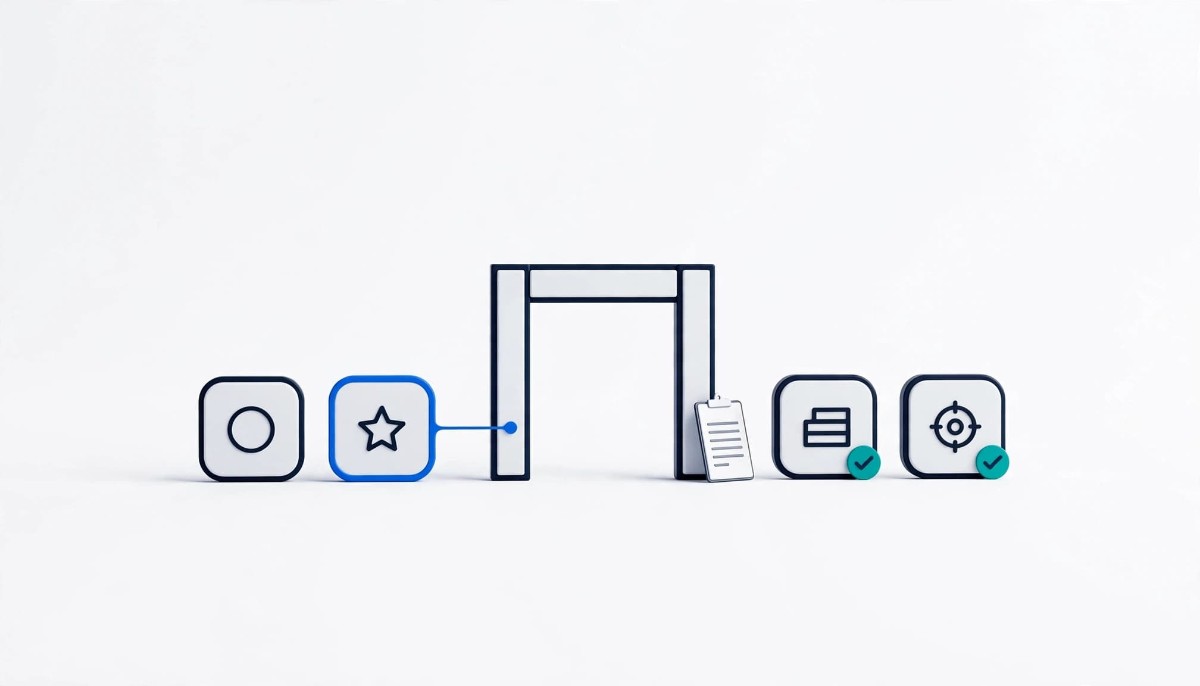
Every Black Friday app you add can load new scripts, and only some reach your storefront through a consent-checked path. Scan before and after each install, sort every new script into a consent category, and drop any app you cannot gate before November 27, 2026.
Your consent banner was configured for the store you had in September. Every app installed since then is code the banner may never have been told about.
Four weeks before Black Friday is when the app list grows fastest. A spin-to-win popup captures emails, a post-purchase upsell goes into checkout, a review widget goes on product pages, and an attribution pixel goes in so the team can see which channel paid off. Each can bring scripts that send data to a third party on page load, before a visitor touches your banner.
That matters most in late November, because whatever is live during Black Friday week (November 23 to 29, 2026, with Black Friday on November 27 and Cyber Monday on November 30) handles the heaviest traffic of the year, so a tracker that fires before consent reaches your entire peak audience.
This guide gives whoever owns the app list a repeatable method for each new app: find how its code reaches the storefront, scan what it loads, categorize each script, and decide whether it goes live. It ends with the advice most stores under $2M need most: install less.
An app can reach your storefront in four ways, and Shopify’s consent signal governs them very differently: app pixels and custom pixels wait for the permissions they declare, while app embed blocks and pasted scripts respect consent only if their own code or your consent tool enforces it.
App pixels are the cleanest path. They run inside Shopify’s Customer Events system, and Shopify’s web pixel privacy documentation states that the pixel manager “will only load your pixel if there is visitor permission for all of the settings” the pixel declares. Custom pixels, the ones you paste into Settings > Customer events, use the permissions you set in the admin. One limit matters for US stores: Shopify says that in consent-required markets such as the EEA and UK, web pixels run only when visitors have given the permissions the pixel requires. In regions where your store doesn’t require consent, such as US opt-out states, don’t assume a pixel waits for anyone; check your region settings and scan.
App embed blocks and app blocks, built with theme app extensions, are how most popups, review widgets, and chat tools put code on the page. Shopify’s theme app extension configuration documentation says app embed blocks are deactivated after install and that merchants activate them in the theme editor under Theme Settings, App embeds. Activation is when the app starts loading across your storefront. Whether its scripts wait for consent depends on the app’s own code checking the visitor’s choice, for example through Shopify’s Customer Privacy API, or on your consent tool blocking it.
Manually pasted scripts are the riskiest path. A snippet pasted into theme. liquid has no consent check unless someone built one. Liquid has no consent check unless someone built one. Shopify’s customer privacy settings help page is explicit that its own banner governs Shopify-specific tools, and that cookies or pixels installed manually or through apps may need a third-party consent solution or custom code to respect visitor choices.
The reliable way to see what a new app loads is to capture your storefront’s network traffic before you install it, capture it again after you activate it, and compare the two, all without clicking the cookie banner. The difference between the two captures is that app’s footprint, and anything in the difference that reaches a third party before consent is a finding.
Start with the baseline. Open a private window so no earlier consent choice is stored, open developer tools before you load the page, and switch to the Network tab; Chrome’s guide to inspecting network activity covers the panel and its filters. Turn on Preserve log so the record survives navigation. Load your homepage, a product page, and the cart, and do not touch the banner. Note every third-party domain, or export a HAR file as a dated record.
Then run the free Cookiebot cookie checker against the same storefront URL. Cookiebot by Usercentrics says the report lists each detected cookie and tracker by purpose, provider, and data type, grouped as necessary, functional, analytics, performance, and advertising, and is emailed to you. Those labels map onto the four categories below. Keep the checker report and your capture together as the before picture.
Now install the app. Where possible, activate its embed on a duplicate, unpublished theme and capture through that theme’s preview, so shoppers never see an untested app. App pixels apply store-wide, so test those at a low-traffic hour and remove the app right away if it fails. Repeat the same three page captures in a fresh private window, still without clicking the banner, and run the checker again. Check for anything new in the request list or the checker report that came with the app.
Wait ten to fifteen seconds on each page before you stop recording, because popups and widgets often load on a timer or on scroll. And test the page where the app does its work: an upsell app’s code may only appear in checkout or on the order status page, so a homepage scan will show nothing at all. Then click reject in a fresh session and confirm the new requests stop, which is the reject all test for Shopify cookie consent applied to one app at a time.
Every new script belongs in one of four categories: necessary, preferences, statistics, or marketing, and in opt-in regions only necessary scripts should load before a visitor makes a choice. Sorting is what turns a list of unfamiliar domains into a decision about what your consent tool should block.
The test for necessary is strict: the store breaks without it. Cart, checkout, login, and fraud screening qualify. A popup that collects emails does not, and neither does a review widget, however much you value both. Cookiebot by Usercentrics uses the same four groups plus an unclassified bucket in its cookie category guidance, defining necessary as scripts needed to guarantee website functionality, statistics as analytical use, and marketing as targeting the user with personalized ads.
Shopify uses slightly different labels, and the mapping matters because apps declare their needs in Shopify’s terms. The Customer Privacy API checks preferences, analytics, marketing, and sale of data separately. Statistics in your consent tool correspond to analytics in Shopify, and anything that shares data with a third party for behavioral advertising falls under both marketing and sale of data. If an app claims analytics but calls an ad network, trust the network tab.
Record each script on one line: the app it came with, the domain it calls, the path it uses (pixel, embed, block, or pasted), the category you assigned, and whether it waited for consent in your scan. That sheet becomes your consent tool’s configuration input, the brief for any developer email, and the record of what you checked and when.
Put anything you cannot categorize with confidence in marketing until you know better. Over-blocking costs a few days of data; under-blocking costs far more.
The following is an illustrative composite, not an observed store: four app types a merchant commonly adds before Black Friday, with what apps in each category typically load and what to check, and no claim about how any named vendor behaves.
The popup. An email capture or spin-to-win popup usually arrives as an app embed. It typically loads a vendor script, may set a dismissal cookie, and sometimes fires analytics calls to measure impressions. Check whether the embed loads its script before the banner is answered, and whether the app has a setting to wait for consent.
The post-purchase upsell. Upsell offers often appear only at checkout or on the thank-you page, outside the pages a homepage scan covers, so that scan may show nothing. Test a real order path. Look for whether the upsell app also adds a pixel or tracking call to measure offer conversion, and, if so, which permissions it declares.
The review widget. Reviews usually load through an app block on product pages and sometimes an embed for star ratings on collection pages. The widget itself is content, but review apps often load photo hosting, analytics, and sometimes a request to a marketing or retargeting endpoint.
The attribution pixel. A pixel that ties sales back to ad channels is marketing by definition. The question is the path. Installed as an app pixel, it waits for the permissions it declares. Pasted into theme.liquid because the onboarding guide said so, it fires on every page load until something blocks it. If you find the second, move it into Customer events or behind your consent tool before the sale.
When a new app sends data to a third party before consent, you have three options, in order of preference: configure it to wait, ask its developer how to make it wait, or leave it off the store until after Cyber Monday. Keeping it live unchanged isn’t an option.
Configure first. Look for a consent setting in the app, then check whether your consent tool can block the domain by category. Move any pasted tracking snippet into a custom pixel with the right permissions set. Rerun the scan to confirm.
If configuration doesn’t fix it, email the developer with three questions. Does the app read the visitor’s choice through Shopify’s Customer Privacy API before loading any non-essential script? Which consent categories does each script or pixel require? Is there a setting that delays loading until consent is given? No answer before your theme freeze is your answer.
The legal reason to care is specific in the US. California’s Invasion of Privacy Act lets private plaintiffs seek statutory damages that Clark Hill’s analysis of SB 690 puts at $5,000 per violation. Governor Newsom signed SB 690 on September 30, 2026, which takes effect January 1, 2027, and Procopio’s summary notes that the bill removes private suits under the pen register provision only, while wiretapping claims under section 631 over pixels, session replay, and chat tools remain available. Cookiebot by Usercentrics also argues, in its piece on CIPA, GPC, and retailer checkout flows, that consent tooling tested only on the homepage can miss pixels that fire once a shopper reaches checkout. For the wider picture, read eCommerce Fastlane’s breakdown of CIPA and CCPA exposure for US ecommerce brands. None of this is legal advice; if you receive a demand letter or have a specific legal question, talk to privacy counsel.
For most stores under roughly $2M, the most effective consent fix before Black Friday is subtraction: install fewer new apps, uninstall trials you will not keep, and remove the cost left behind by uninstalled apps.
Start with the trials. Remove any trial you will not keep through December now, while you still have time to retest. eCommerce Fastlane’s guide to Shopify Black Friday apps and when to skip each one names the conditions under which each common BFCM app shouldn’t be on the store.
Uninstalling is not the same as removing. Shopify’s help page on uninstalling apps warns that some apps add code to your theme that is not automatically removed when you uninstall, and recommends confirming whether an app needs extra uninstall steps first. The difference again comes down to the path. Shopify’s Partners blog, in its 2022 explainer on theme app extensions, says an app built that way is automatically removed from the theme when uninstalled, while code an app added directly to theme files is not.
So the cleanup pass is practical. Search theme.liquid and your snippets folder for the names and domains of apps you no longer run, ask each former vendor what it added, and duplicate the theme before deleting anything so you can roll back. Then run your network capture once more: any request to a vendor you stopped paying is leftover code. eCommerce Fastlane’s Shopify tech stack audit for app bloat and operational drift covers the wider version of this exercise.
If an app solves a measured problem and gates its scripts correctly, keep it. Every app has to earn its place during the week it matters most.
Every stage runs the same scan on every new app; what changes with revenue is how many apps you should be adding, who owns the inventory, and how much consent tooling you need.
From first sale to around $500K, add at most one or two apps for the season and scan each one. If all of your tracking runs through Shopify’s Customer events pixels, Shopify’s built-in banner may be enough. As soon as an app embed or pasted script starts calling third parties, you need a consent tool that blocks by category. As of October 2026, Cookiebot by Usercentrics lists tracker blocking until consent, scans, and Google Consent Mode v2 on the free plan of its Shopify app listing, with paid plans at $6 and $30 per month.
Between $500K and $2M, the inventory sheet becomes a team document. Name one person who approves every install until December, require a before-and-after scan, and run the uninstall cleanup this week.
From $2M to $10M and above, more people touch the store, so make the scan a gate in your change process rather than a one-off task, and repeat it after any app update during peak. Compare consent tools on the features your stack needs, including Shopify’s built-in banner, Pandectes GDPR Compliance, CookieYes GDPR Cookie Banner, and Avada GDPR Cookies Consent alongside Cookiebot by Usercentrics. eCommerce Fastlane’s comparison of the best cookie consent apps for Shopify lays out which plan of each covers Consent Mode v2, blocking, and consent logs.
At every stage, finish the work before your theme freeze. A short app list and one dated capture per new app beat adding a tool the week of the sale. For the full pre-sale checklist, see the pre-BFCM consent audit for Shopify.
Shopify apps respect your cookie banner automatically only when their code runs through a path that checks consent, such as an app pixel that declares its required permissions. In consent-required markets such as the EEA and UK, Shopify loads an app pixel only when the visitor has granted every permission it declares; in regions not set to require consent, do not assume it waits. App embed blocks, app blocks, and scripts pasted into your theme are different: they wait for consent only if the app’s own code checks the visitor’s choice or your consent tool blocks them. Shopify’s own banner governs Shopify-specific tools, so third-party scripts added manually or through apps may need a dedicated consent solution. Scan each new app to see which path it uses.
Check what a new Shopify app adds by capturing your storefront’s network traffic before and after you install it, without clicking the cookie banner. Open a private window, open Developer Tools, go to the Network tab, enable Preserve log, and load your homepage, a product page, and the cart. Run the free Cookiebot cookie checker on the same URL. Install the app, activate its embed, and repeat both steps in a fresh private window. Any new third-party request, especially one that appears before consent, came with the app. Wait ten to fifteen seconds per page so timed scripts load, and test checkout for upsell apps.
A popup or review app almost never belongs in the necessary category, because your store still works without it. Most of their scripts fall into preferences, statistics, or marketing. A cookie that remembers a visitor closed a popup can reasonably sit in preferences. Impression counting and widget analytics belong in statistics. Any call to an advertising or retargeting endpoint is marketing. Sort each domain the app loads separately rather than assigning the whole app one category, because a single review app can load content, analytics, and marketing scripts at once. When unsure, put the script in marketing until the developer confirms what it does.
Uninstalling a Shopify app does not always remove its tracking code. Shopify’s help documentation warns that some apps add code to your theme that isn’t automatically removed on uninstall, and it advises confirming whether an app needs extra uninstall steps. Apps built with theme app extensions are removed from the theme automatically when uninstalled, according to Shopify’s Partners blog, while code an app wrote directly into theme files can remain and keep calling the vendor. After uninstalling, duplicate your theme, search theme.liquid and snippets for the app’s name and domains, and rerun a network capture to confirm nothing still calls home.
Most Shopify stores should install as few new apps as possible right before Black Friday, and only apps that solve a measured problem and pass a before-and-after consent scan. Every new app can add scripts that need categorizing, blocking, and testing, and late installs leave no time to fix a script that fires before consent. Black Friday falls on November 27, 2026, so aim to finish installs, scans, and uninstall cleanup before your theme freeze. If an app fires before consent and its developer cannot tell you how to gate it, leave it off the store until after Cyber Monday on November 30.




