

Dotdigital blog
Learn what an MCP server is, how it connects AI tools with your marketing stack, and what you can do with Dotdigital’s MCP server.

AI tools like ChatGPT and Claude are now part of everyday marketing workflows. They’re useful for things like writing campaign copy, shaping ideas, and making sense of performance data.
But these tools sit outside your marketing stack, which means they don’t understand your campaigns, your audiences, or your performance data unless you manually feed it in.
That disconnect is exactly what a Model Context Protocol (MCP) is designed to solve.
So, let’s take a look at:
MCP stands for Model Context Protocol. It’s a standardized way (a protocol) to provide data and other information (context)to AI (models).
Instead of manually copying in information or uploading files, an MCP connects your marketing systems directly to the AI tools you’re already using, so, the context is there from the start.
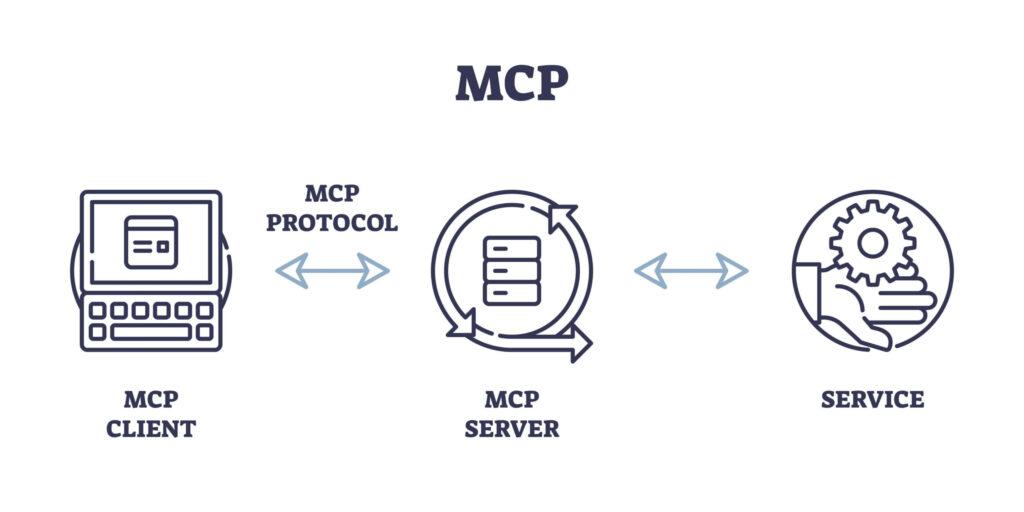
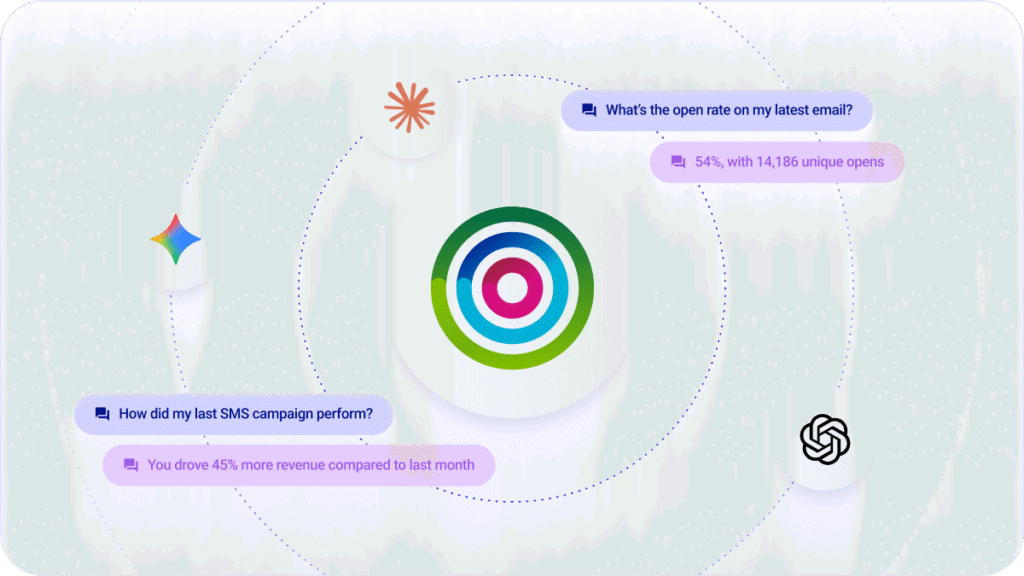
This means your preferred AI tool can see what’s happening in your marketing in real time and you can ask it questions about your campaign data, such as:
“What was my average campaign open rate in Q4?”
Or, get AI to take approved actions like adding a new lead into specific audience segments, or campaigns within your marketing platform.
This is exactly what the Dotdigital MCP server helps marketers to do.
ChatGPT, and similar AI tools, are powerful, but on their own they’re missing something important for marketers. They don’t know your context. So, the answers you get are usually quite general, based on broad internet information rather than your actual campaigns.
Many marketers try to work around this by exporting reports, downloading CSVs, and pasting data into prompts to give the AI something to work with. And every time the question changes, you’re back doing the same thing again, re-explaining the context from scratch.

It also doesn’t really fit how marketing teams work day to day. In meetings, or while reviewing performance, you want answers quickly and not a process that involves pulling data, uploading files, and waiting to piece everything together. And even when you do get something useful out of it, you still have to jump back into your marketing platform to take action.
What you end up with is a lot of switching between tools and stitching information together manually.
An MCP removes that friction by connecting your marketing systems directly to your AI tools, so you’re working with live data in a single flow and not a disconnected process.
You don’t need a technical background to start using AI directly with your marketing data. With an MCP in place, you can move from guessing, or manually pulling data, to working with it directly in your AI tool.
Here’s what that looks like in practice:
Ask questions of your Dotdigital email performance data and get answers fast. No need to export data and add it into your AI tools. You can ask questions like:
When you create hundreds of emails in a year, you don’t want to sift through each email to learn about what works and what doesn’t. Ask your LLM questions about what did well so you double down on your successes, like:
Forms are a goldmine when it comes to understanding of customer intent, but analyzing them usually takes time. With an MCP, you can simply ask:
Your AI assistant pulls the data and summarises it for you.
You can use your prefered LLM to turn queries into actions in Dotdigital, such as:
Marketers spend a lot of time switching between tools just to get answers.
With Dotdigital’s MCP server, your AI tool connects directly to your marketing data. So instead of jumping between platforms, you can ask questions, get context, and act on it in one place.
Connect Dotdigital to your AI tool of choice and start having real conversations with your marketing data.




