

Is the internet really “free” if you can’t watch a video whenever you want?
We rely on YouTube for everything, from lectures and tutorials to background music. However, once you lose the internet or step onto a flight, all that content vanishes. It is a frustrating roadblock, especially when you need those videos for offline study or entertainment.
This is where a dedicated YouTube Video Downloader for Chrome comes in handy. These tools aren’t complicated software programs. They are smart browser extensions or simple web services that work with Chrome. These downloaders let you use that video or MP3 file so you can own your media, even when the internet isn’t around.
A YouTube video downloader tool is a piece of software, a web service, or a browser extension that allows users to save videos hosted on YouTube to their personal devices. These tools bypass YouTube’s streaming-only limit. They allow you to keep a permanent copy of a video file for offline viewing. YouTube video downloaders let you choose the video quality, such as HD 1080p or 4K. You can also change the format or save it as an audio-only MP3 file, a standard format defined by the Moving Picture Experts Group (MPEG).
Finding a dependable tool that works consistently can be tough. Many extensions stop working due to changes in browser policy. Yet, a few services manage to offer simple, functional downloading options. Here are the top six YouTube Video Downloaders for Chrome that you can rely on:
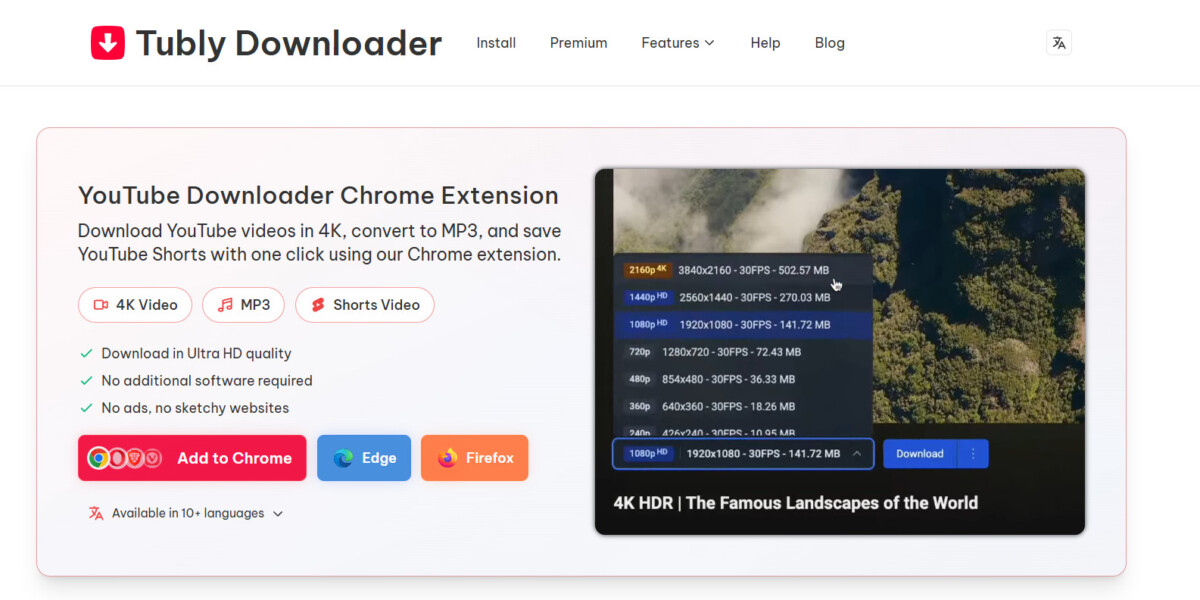
Tubly Downloader is an excellent option for anyone who wants a straightforward, browser-integrated solution. It allows you to download videos and Shorts directly from the YouTube page with just a few clicks. You don’t need to install extra software, making it ideal for everyday users on Windows, Mac, or Chrome.
Its browser integration means you barely have to leave the YouTube site to save the content you need. This simplicity makes Tubly Downloader a great choice for saving lectures or converting music to MP3 without hassle. It also supports other major browsers, including Firefox, Edge, Opera, and Brave, providing flexibility regardless of which browser you prefer to use.
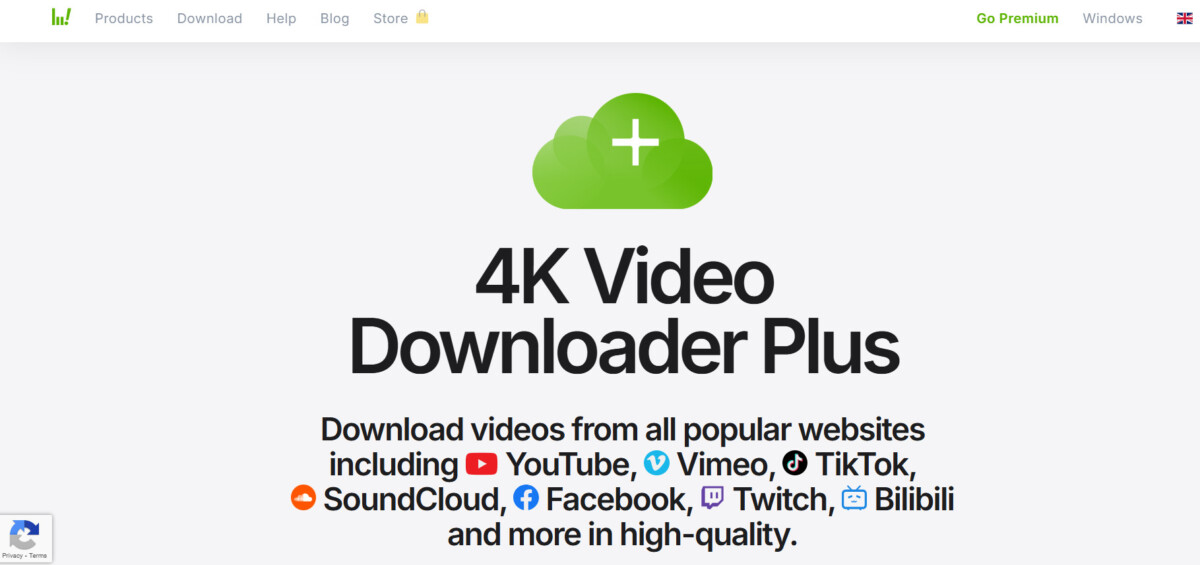
4K Video Downloader is a popular desktop application. It works on many systems and can download videos in very high quality. It is a good option for users who want to download a lot of content in the best available quality. It works by having you copy the video link from Chrome and then paste it into the software.
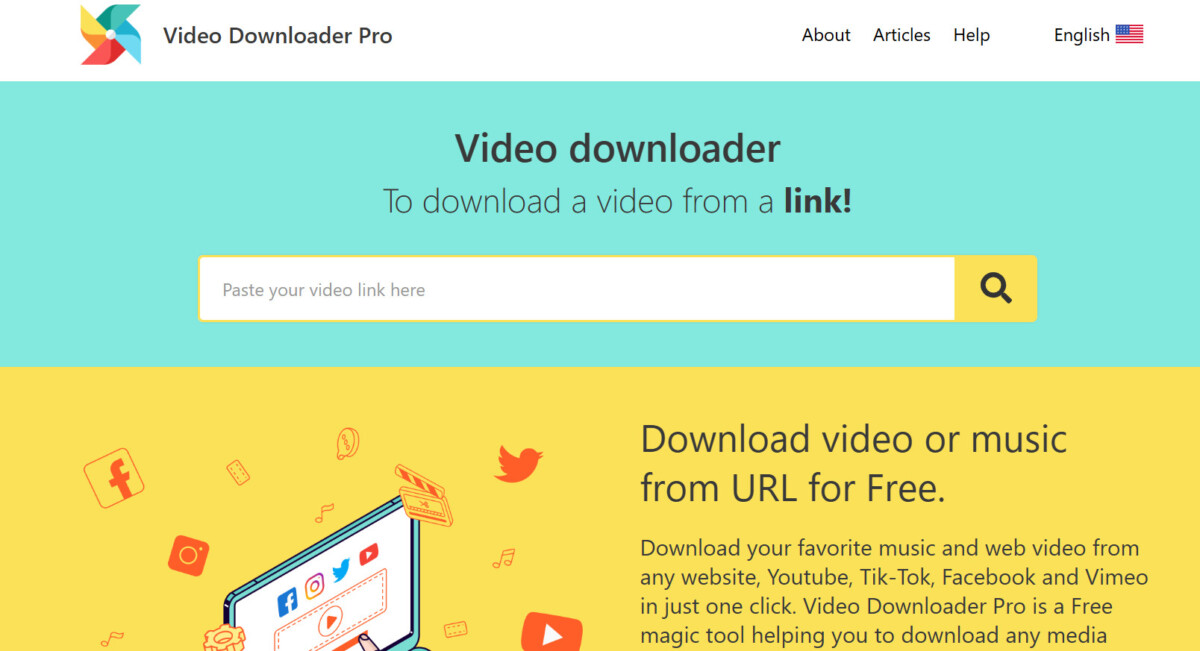
Video Downloader Pro is a browser extension for Chrome and Firefox. It makes it easy to save videos and music from many websites straight to your computer. It automatically detects video content playing on a webpage, allowing you to download it with just a single click.
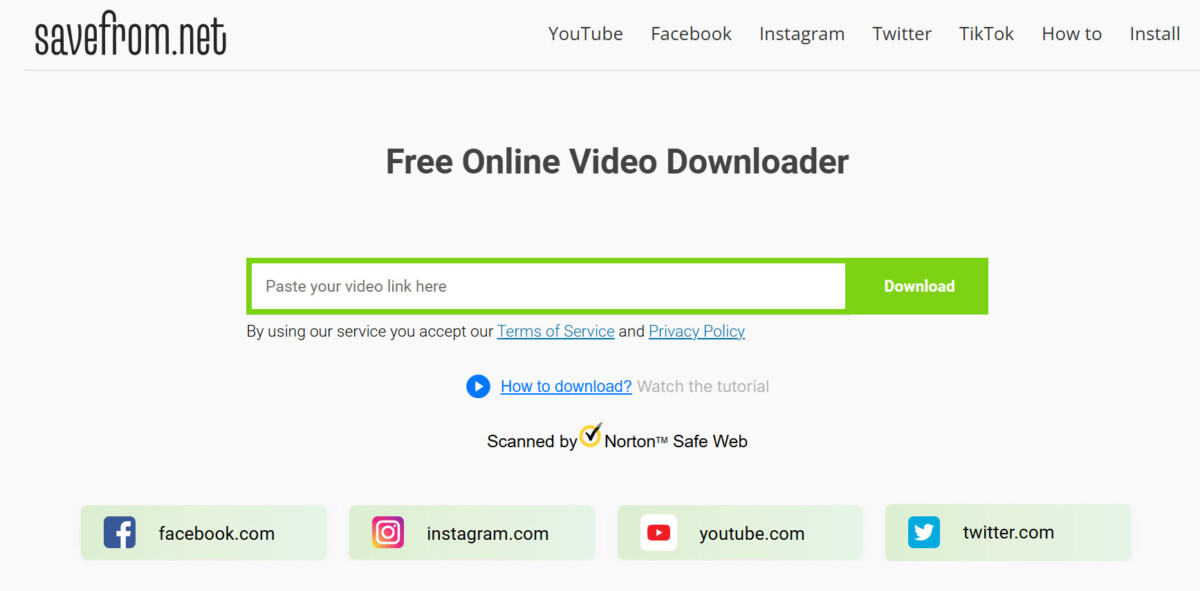
SaveFrom.net is a YouTube video downloader that helps users download videos and other media content from various popular websites. It works as a free tool to simplify the process of saving online media, which would otherwise require more steps. SaveFrom’s browser extension adds a visible download button to the video page. This allows for one-click downloading. This extension is compatible with a wide range of browsers, like Chrome, Firefox, and Opera.
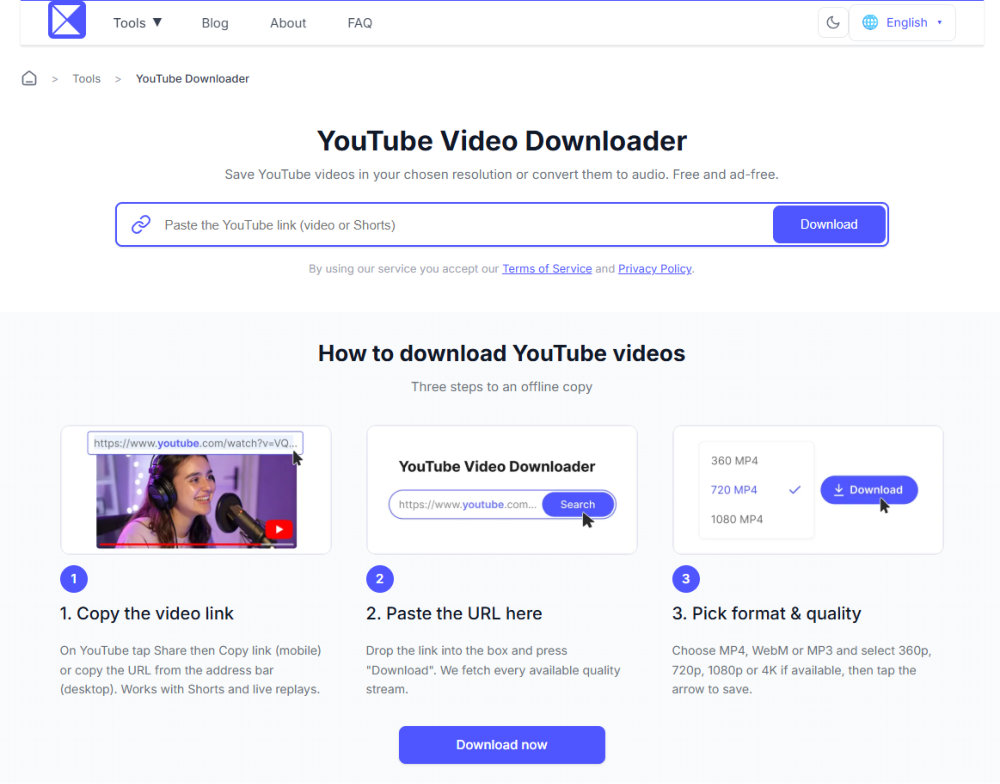
123tools is a free online YouTube video downloader that works directly in your browser, with no extension or software installation required. Paste a video link, choose an available high-resolution MP4 option, or extract the audio for offline listening. Its simple browser-based workflow makes it a convenient option for users who prefer not to install an app or Chrome extension.
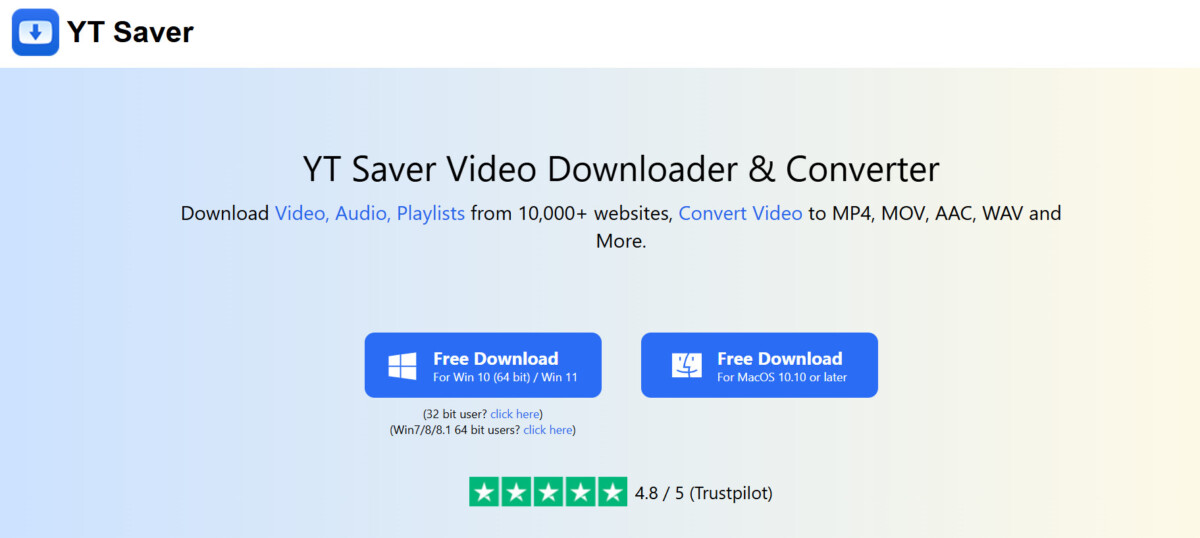
YT Saver is an all-in-one video downloader and converter. It lets users save videos, audio, and full playlists from YouTube. The tool supports more than 10,000 video and music websites. The program works by allowing you to paste a YouTube video’s URL directly into the application, where it is then processed for download.
Downloading your favorite YouTube videos lets you watch them anytime. It offers a level of convenience and freedom that streaming can’t match. When choosing the right tool for your tasks, focus on a few non-negotiable features. The best YouTube downloader will always prioritize high-quality output (up to 4K), offer multiple format options such as MP4 and MP3, and provide a fast and user-friendly experience. In short, the right tool combined with this simple technique makes the task much easier.
When you download a video, the file includes both the picture (video stream) and the sound (audio stream) and is saved as a video file, such as MP4. When you convert to MP3, the tool only extracts the audio stream from the video. It removes the visuals and saves it as a universally compatible MP3 audio file.
Most of the tools mentioned above have their core downloading and converting features available for free. However, some tools offer premium plans that include advanced features, such as batch downloading (multiple videos at once) and an entirely ad-free experience.
Tubly Downloader is an easy-to-use Chrome extension, as it works directly within your web browser. It is cross-platform compatible and can be used on any desktop that supports Chrome. This includes Windows, macOS, Linux, and Chrome OS. There is no need to install separate desktop software.
Yes, you can download YouTube Shorts. Since they are essentially vertical videos, most of the downloaders recognize them. They ensure the downloaded file maintains the original vertical aspect ratio and quality.
Tubly Downloader and YT Saver let you download videos you have permission to watch. You just need to be logged into your Google account. For videos set to ‘Private’ that require a specific sign-in, the downloader cannot retrieve them. This is a technical security restriction to protect content creators’ chosen privacy settings.




