
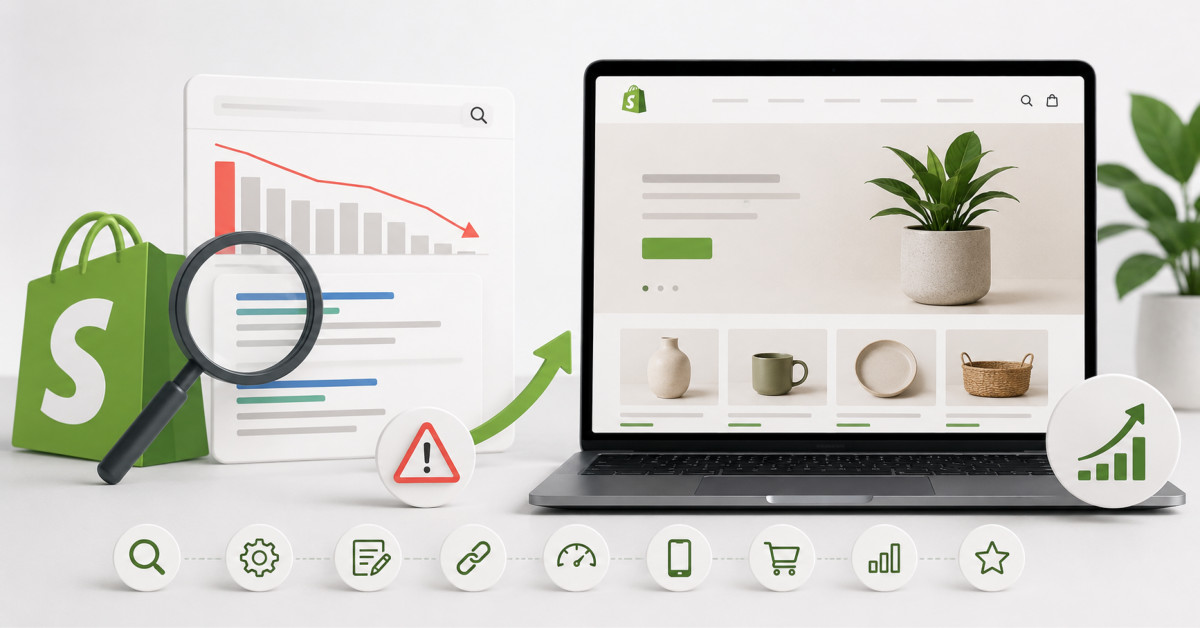
Most Shopify stores fail at SEO because they treat it as a collection of one-off tweaks instead of a revenue system built on crawlable architecture, useful collection and product pages, technical hygiene, and measurement. Fix the highest-impact gaps first, then improve based on search and conversion data.
Shopify SEO does not fail because the platform cannot rank. It fails because stores publish thousands of URLs without deciding which pages deserve authority, which queries they should answer, and how organic traffic becomes revenue.
Most Shopify store owners pour money into Facebook Ads and Google Shopping campaigns while ignoring the one channel that compounds over time: organic search.
The platform itself is solid for ecommerce, but out of the box it doesn’t do the heavy lifting for you.
Without a deliberate approach to Shopify SEO, your product pages sit buried on page five of Google while competitors with half your catalog eat your traffic.
Here’s what’s actually going wrong, and nine practical fixes you can start applying today.
Shopify generates duplicate URLs by default.
A single product can be accessed through its main handle, a collection path, and tagged filtering URLs.
Google sees three pages with identical content and struggles to pick a winner, which means diluted ranking signals across multiple URLs instead of consolidated authority on one.
Fix this by checking your canonical tags with Screaming Frog or Sitebulb.
Collection-based product URLs like /collections/summer/products/your-item should canonical back to the standalone product page, and you need to verify that they actually do.
Flat site architecture matters more than most Shopify merchants realize.
If a customer or Googlebot needs four or five clicks to reach a product page from the homepage, that page is going to struggle.
Internal linking structure tells search engines which pages carry weight, and a buried product page sends the signal that it doesn’t.
Limit your click depth to three levels: homepage, collection, product.
Use breadcrumb navigation with BreadcrumbList schema markup so Google understands the hierarchy.
Shopify’s default themes often support breadcrumbs, but they don’t always include the structured data you need in the Liquid template files.
Hundreds of other Shopify stores, Amazon listings, and retail sites use the exact same manufacturer-provided product descriptions.
Google has no reason to rank your version over anyone else’s.
Write unique descriptions for at least your top 20% of products.
Include specific long-tail keyword phrases your customers actually search for.
Instead of “comfortable running shoes,” think “lightweight trail running shoes for wide feet.”
Speak the way your buyers talk, not the way a product spec sheet reads.
Shopify handles hosting and CDN delivery through Cloudflare, which gives you a decent baseline.
But merchants stack on app after app, and each one injects JavaScript that bloats load time.
A store with fifteen apps installed will almost always have Core Web Vitals issues.
Run your homepage and a key product page through Google PageSpeed Insights.
Pay attention to Largest Contentful Paint and Total Blocking Time.
Uninstall apps you aren’t actively using, because even disabled apps can leave residual code behind.
Compress product images before uploading using TinyPNG or ShortPixel since Shopify’s built-in compression isn’t aggressive enough for large catalog stores.
Shopify includes a blog feature that most store owners either ignore entirely or fill with company news nobody searches for.
Informational content captures potential buyers earlier in the funnel.
People searching “how to choose a camping tent” are one step away from buying one.
Build content around questions your target customers actually ask using tools like AnswerThePublic, Google’s People Also Ask boxes, and Ahrefs’ Keywords Explorer.
Each blog post should link to relevant product pages and collection pages internally, passing authority where it matters.
Shopify auto-populates title tags from product names and meta descriptions from the first chunk of your product description.
These defaults are almost never optimized.
A title tag that reads “Blue Widget | Your Store Name” misses the chance to include a search-intent keyword and a reason to click.
Rewrite title tags to include the primary keyword, a benefit or differentiator, and your brand name.
Keep them under 60 characters so Google doesn’t truncate.
For meta descriptions, treat them like a micro-pitch in 155 characters that answers “why should I click this instead of the other nine results?”
Shopify generates an XML sitemap automatically at yourstore.com/sitemap.xml.
The problem is it includes everything: out-of-stock products, placeholder pages, and tag-filtered URLs.
When Googlebot wastes time on pages that shouldn’t be indexed, your important pages get crawled less frequently.
Submit your sitemap through Google Search Console and review it.
If you spot indexed pages that shouldn’t be there, add noindex tags through a custom Liquid snippet or Shopify’s built-in robots.txt editor.
A clean index is always more valuable than a large one.
Rich results like star ratings, pricing, and availability badges dramatically increase click-through rates in Google’s search results.
Shopify’s base themes include basic product schema, but it’s often incomplete.
Missing fields like brand, sku, aggregateRating, or review mean you’re leaving rich snippet opportunities on the table.
Use Google’s Rich Results Test to check your product pages.
If your theme’s schema is bare-bones, add JSON-LD structured data manually or use an app like JSON-LD for SEO.
Installing Google Analytics 4 is step one, but most Shopify merchants stop there.
They never connect Search Console data, never set up conversion tracking tied to organic landing pages, and never track which keywords actually drive revenue.
Link Google Search Console to your GA4 property.
Create a custom exploration report that filters sessions by organic source and maps them to revenue per landing page.
Track your keyword positions for your top 30 product-related terms monthly using tools like Ahrefs, SEMrush, or even the free Search Console Performance report.
None of these fixes require a developer on retainer or an enterprise SEO budget.
They require attention, consistency, and a willingness to treat organic search as a revenue channel rather than an afterthought.
Most competing Shopify stores won’t bother with half of this list, which is exactly why doing it puts you ahead.
Start with the fixes that match your biggest gaps.
If your product descriptions are all manufacturer defaults, that’s your first move.
The stores that get Shopify SEO right don’t do everything at once.
They prioritize ruthlessly, measure results, and iterate based on what the data actually shows.
Shopify is good enough for strong ecommerce SEO when merchants build a clear site structure, publish useful content, manage indexation, and maintain accurate product data. Shopify automatically generates a sitemap, supports metadata editing, allows robots.txt customization, and provides a stable hosted storefront. Its limits are usually operational rather than fatal technical barriers. Merchants still need to choose canonical URLs, improve product and collection content, control app bloat, validate structured data, and connect search performance to revenue. Shopify does not replace an SEO strategy, but it can support one effectively.
Shopify products often fail to rank because they have duplicate or thin content, weak internal linking, poor search-intent alignment, limited authority, indexing problems, or insufficient differentiation from competing retailer pages. Start by checking whether the page is indexed in Google Search Console, then inspect its canonical URL, title, visible content, internal links, structured data, and page performance. Compare it with the pages already ranking for the target query. If competitors provide more useful specifications, buying guidance, images, reviews, category context, or trust signals, improve the product page before expecting rankings to change.
Shopify apps can hurt SEO when they add unnecessary JavaScript, duplicate schema, intrusive interface elements, slow third-party requests, or crawlable low-quality pages. Apps are not inherently harmful, and many provide valuable functionality such as reviews, subscriptions, search, personalization, or analytics. The right approach is to audit impact rather than remove tools blindly. Review app embeds, PageSpeed Insights diagnostics, schema output, index coverage, and theme code regularly. Remove unused apps and residual code, then test performance after every meaningful storefront change.
You should noindex Shopify tag pages and filtered collection pages only when they provide little standalone search value, create duplication, or consume crawl attention without serving a meaningful buyer query. Do not apply noindex rules broadly without reviewing the page type, internal links, search demand, and canonical setup. Some filtered or collection pages can be valuable landing pages when they answer a clear commercial search, such as a well-curated category for a distinct product need. Use canonicalization for duplicate URLs and reserve noindex for pages that should remain accessible to users but should not appear in search.
Shopify SEO usually takes several months to produce meaningful results because search engines need time to crawl changes, evaluate content quality, process links, and reassess how a page compares with competitors. Technical fixes and improvements to already-visible pages can show signals faster, while new content and competitive category terms often require longer. The timeline depends on site history, crawl frequency, category competition, content quality, domain authority, inventory stability, and the scale of the work. Measure progress through impressions, indexation, rankings, clicks, and organic revenue instead of expecting one universal deadline.





